
Advisor Commission Tracking for Financial Advisors
Track company commissions and fees, account transactions and advisor payouts for every insurance, annuity and AUM account, in one set of reports.
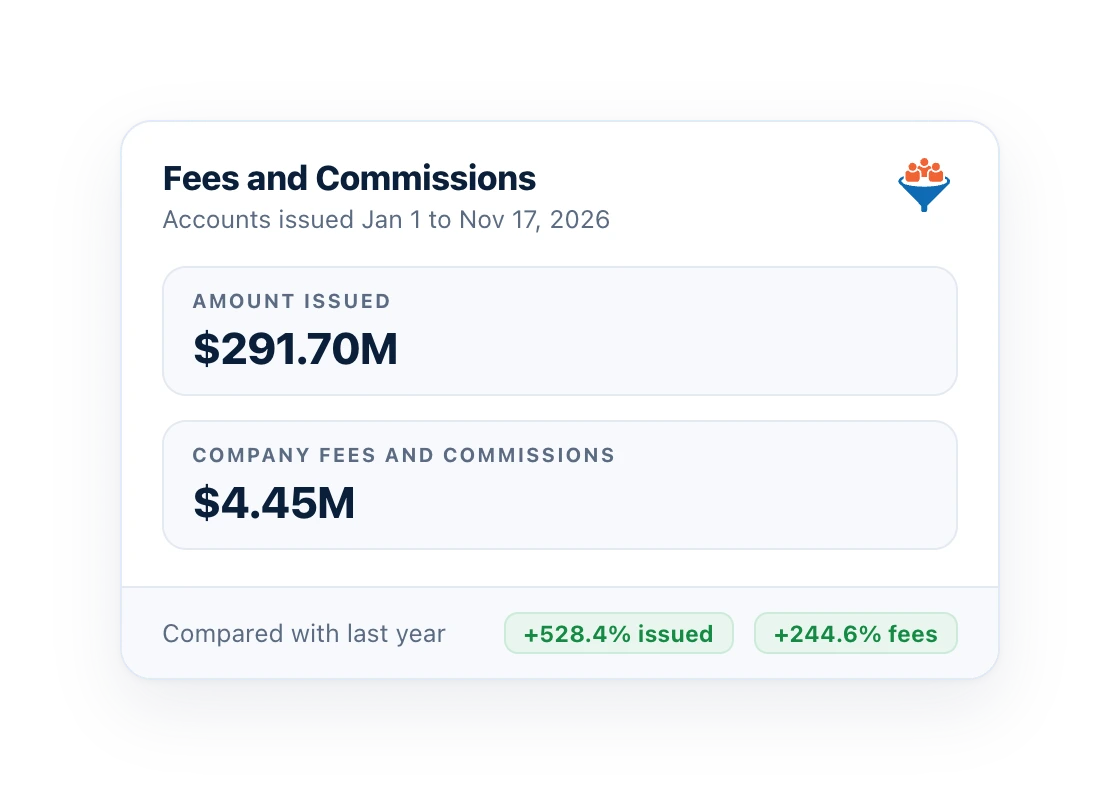
 Commission per Account
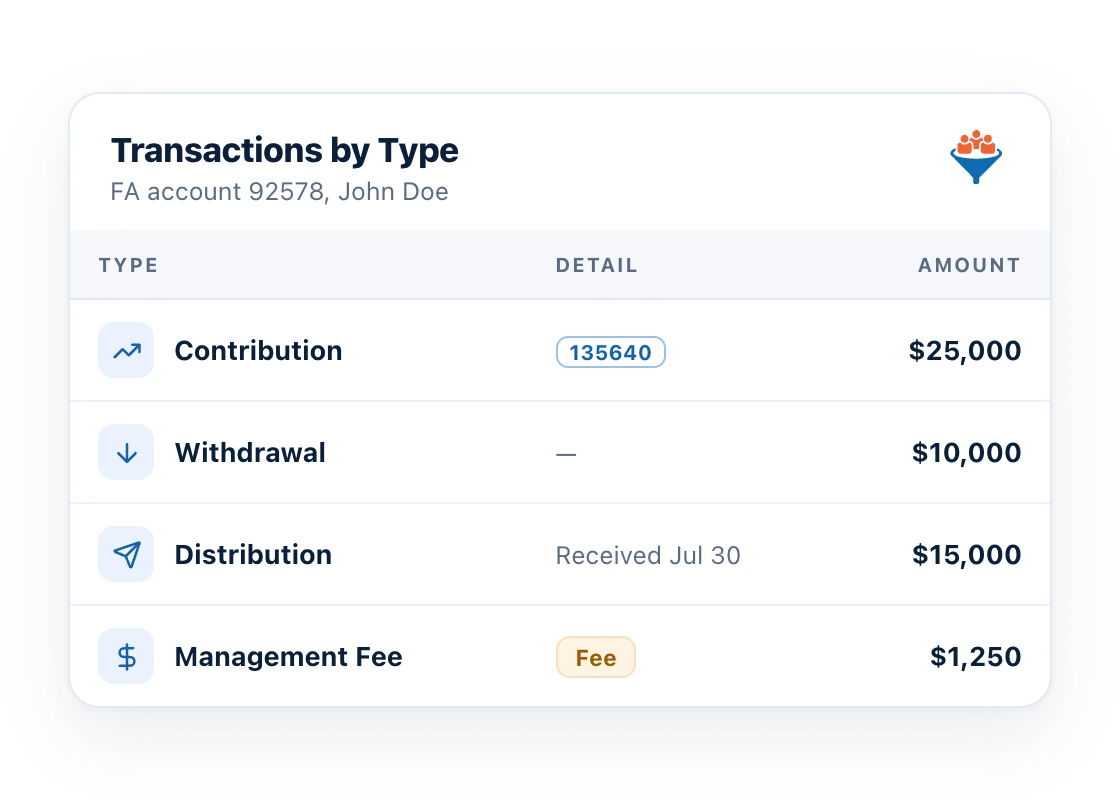
 Account Transactions
 Advisor Payouts
See Commission on Every Account
The Comprehensive Fees & Commission report lists each account with the amount issued, the company commission or fee percentage and amount, the advisor commission share and the advisor payment amount.
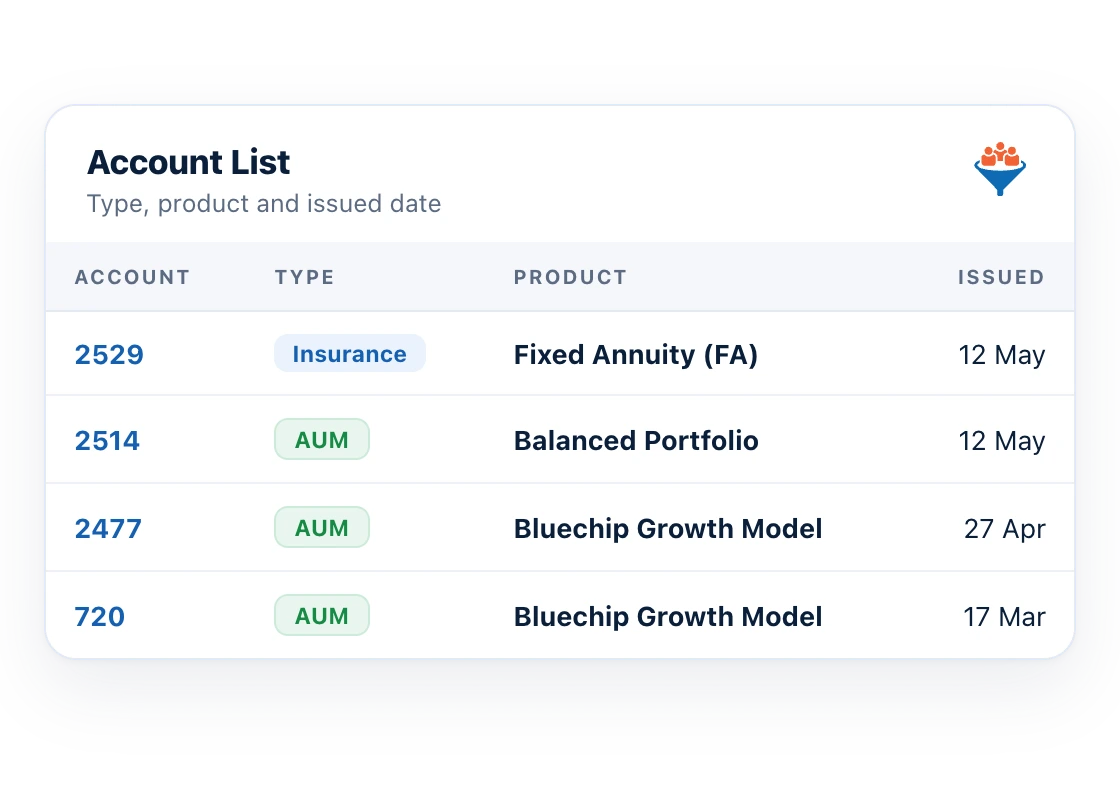
Track Every Transaction by Type
See every transaction received in each account by type, such as contributions, withdrawals, distributions and management fees, with the amount and the date it was received.
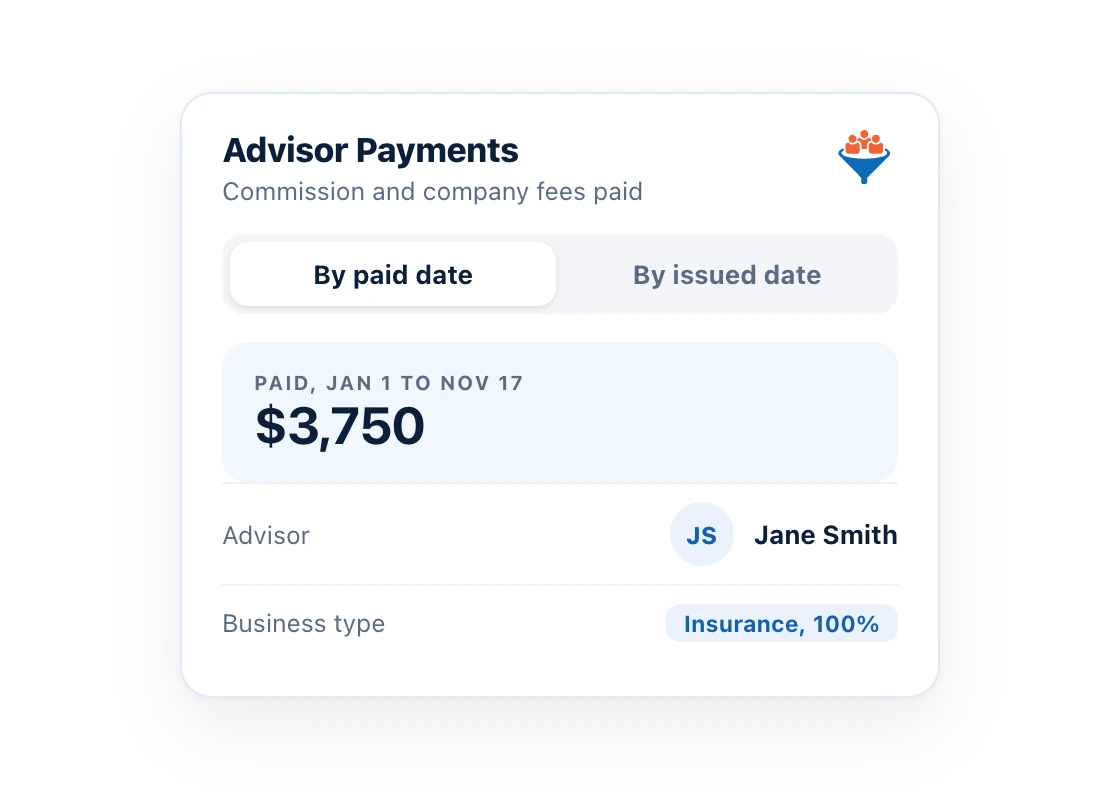
Track Advisor Payouts Over Time
The Advisor Commission & Fees Payments report shows payments by type, each advisor’s share and a payment timeline. View it by commission paid date or by account issued date.
Frequently asked questions
Which commission reports are included?
Advisor Commission & Fees Payments, Advisors Insurance Production Commission & Fees, Comprehensive Fees & Commission, and Estimated Company Fees & Commission.
How are commission amounts calculated?
The estimated company fees and commission for each account come from the product fee and the amount issued. Advisor commission shares come from your advisor commission plans.
Can I view commissions for different time periods?
Yes. Choose a date range, and in the payments report switch between commission paid date and account issued date. Download any view as a PDF.
Ready to Track Advisor Commissions in One Place?
See company commissions, account transactions and advisor payouts for every account in LeadCenter.
LeadCenter CRM, anywhere you go
Access your contacts, calendar, and tasks on the go with the LeadCenter mobile app for iOS and Android.


