
AI HTML Email Designer for Financial Advisors
Build branded email layouts in seconds—no coding needed—then save them as templates inside LeadCenter.
 Branded HTML Layouts in Seconds
 No Coding or Designers Needed
 Saved as Templates in LeadCenter
Emails that look professional—without the back-and-forth
Advisors shouldn’t have to fight HTML, hire a designer, or paste code into external tools just to send a good-looking email. AI HTML Email Designer creates the layout + structure for you, right where you already build email templates in LeadCenter.
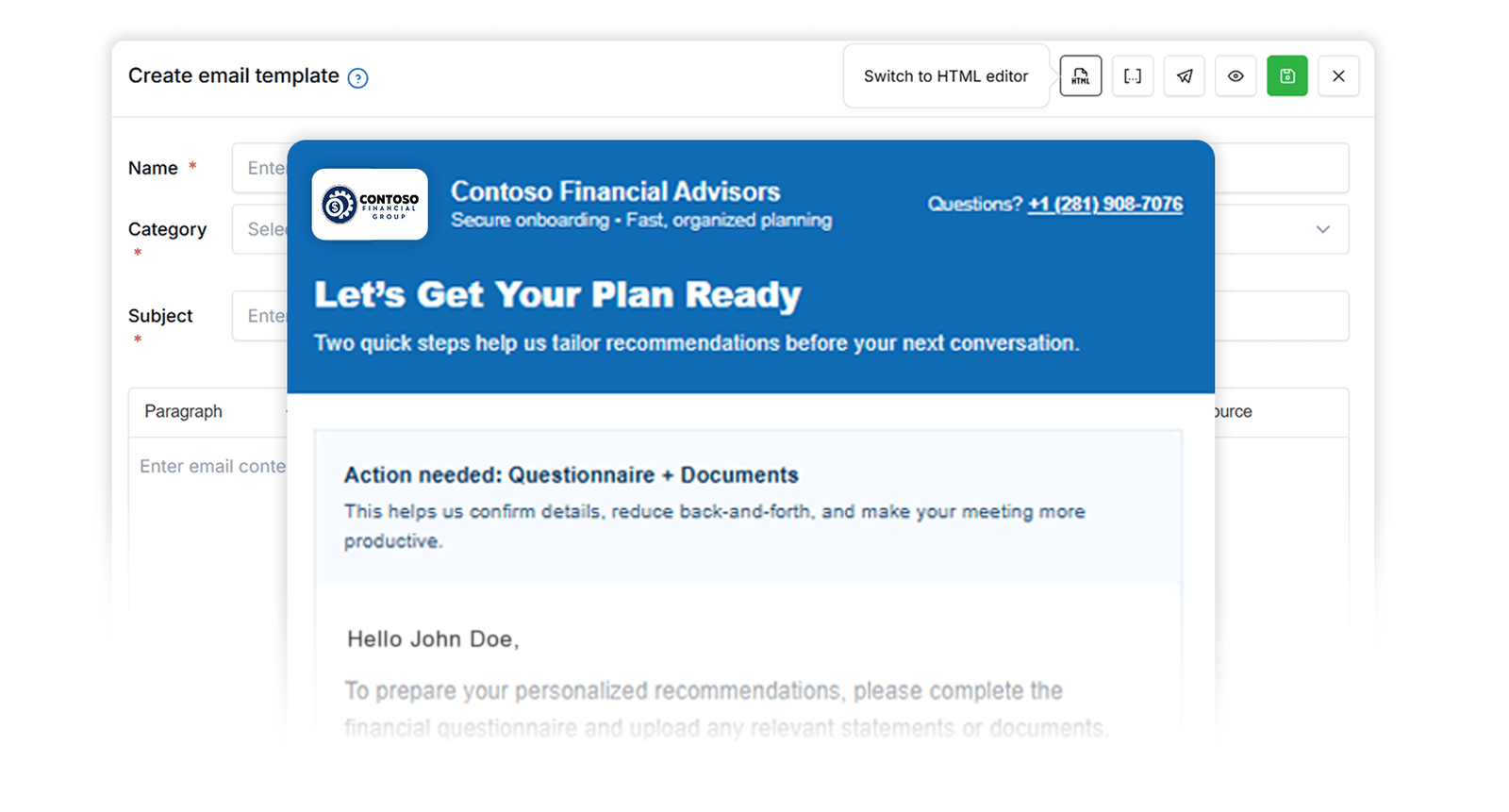
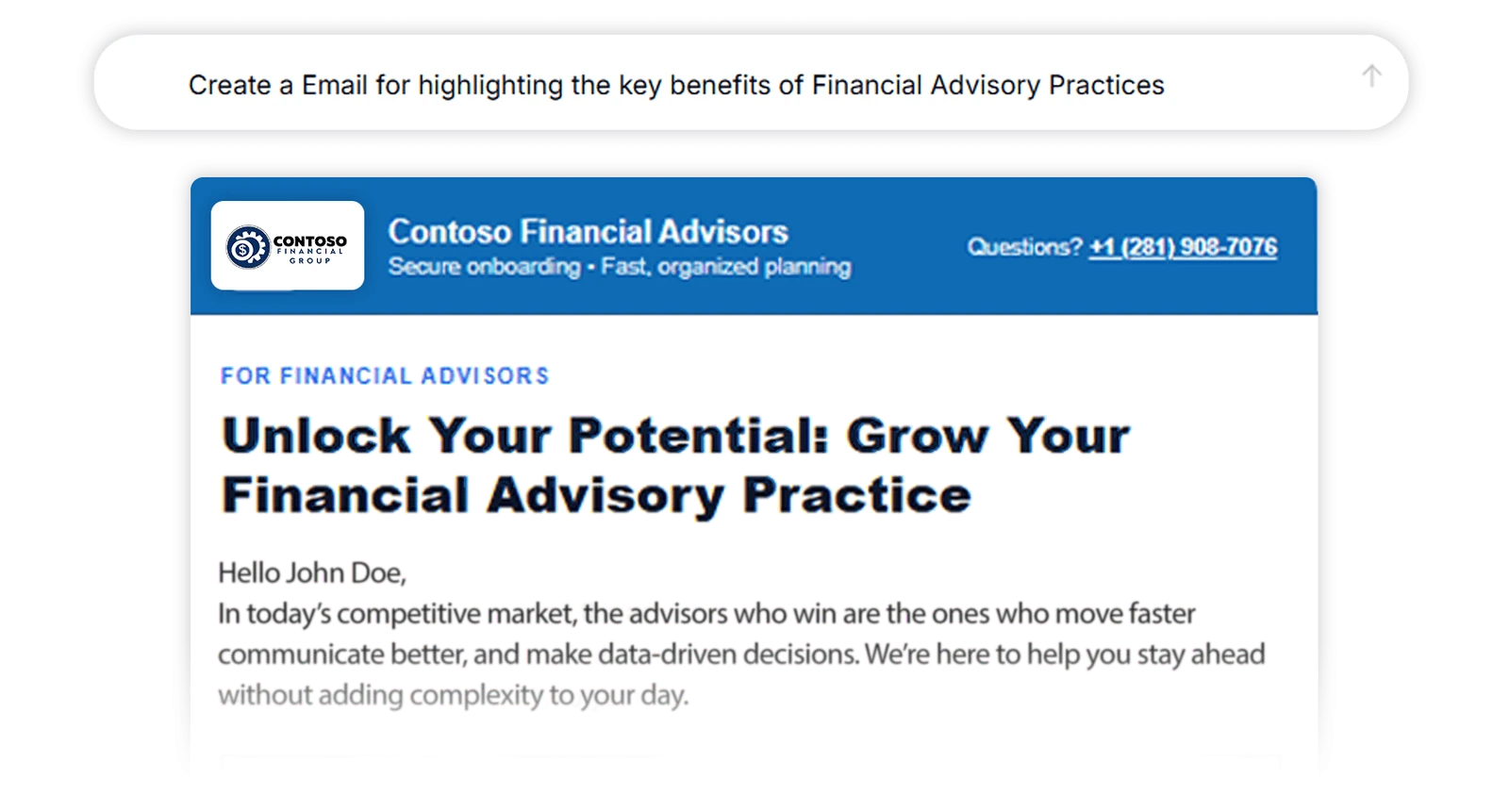
Generate a Full HTML Email Layout from a Simple Prompt
Describe the email you want (newsletter, follow-up sequence template, seminar invite, appointment reminder, re-engagement) and generate a complete, branded HTML layout in seconds—ready to edit and reuse.
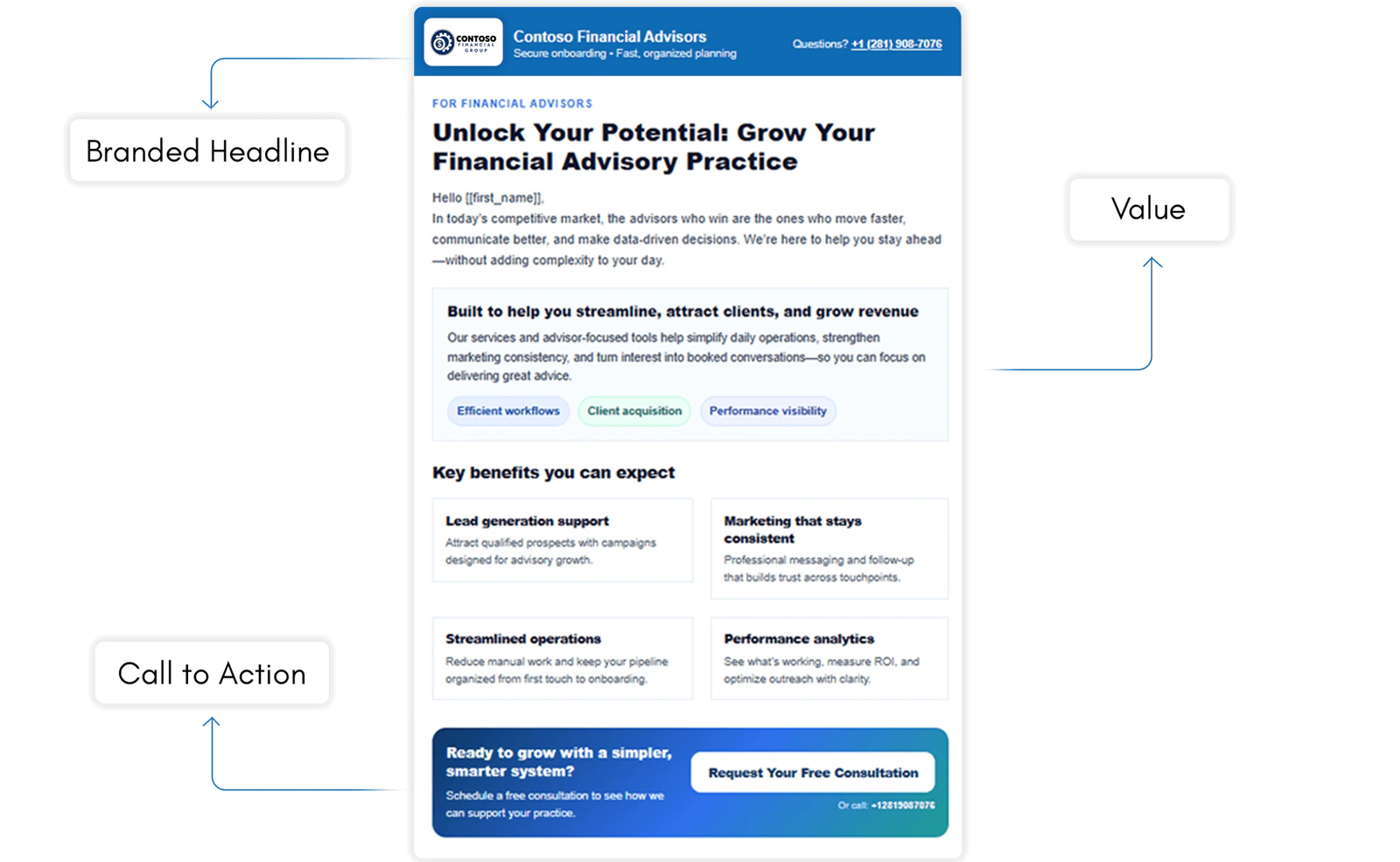
Brand-Ready Sections: Headlines, CTAs, Columns, and Content Blocks
Instead of “just copy”, you get real layout: headers, sections, call-to-action blocks, and a clean structure that feels like a designed email—without needing to touch code.
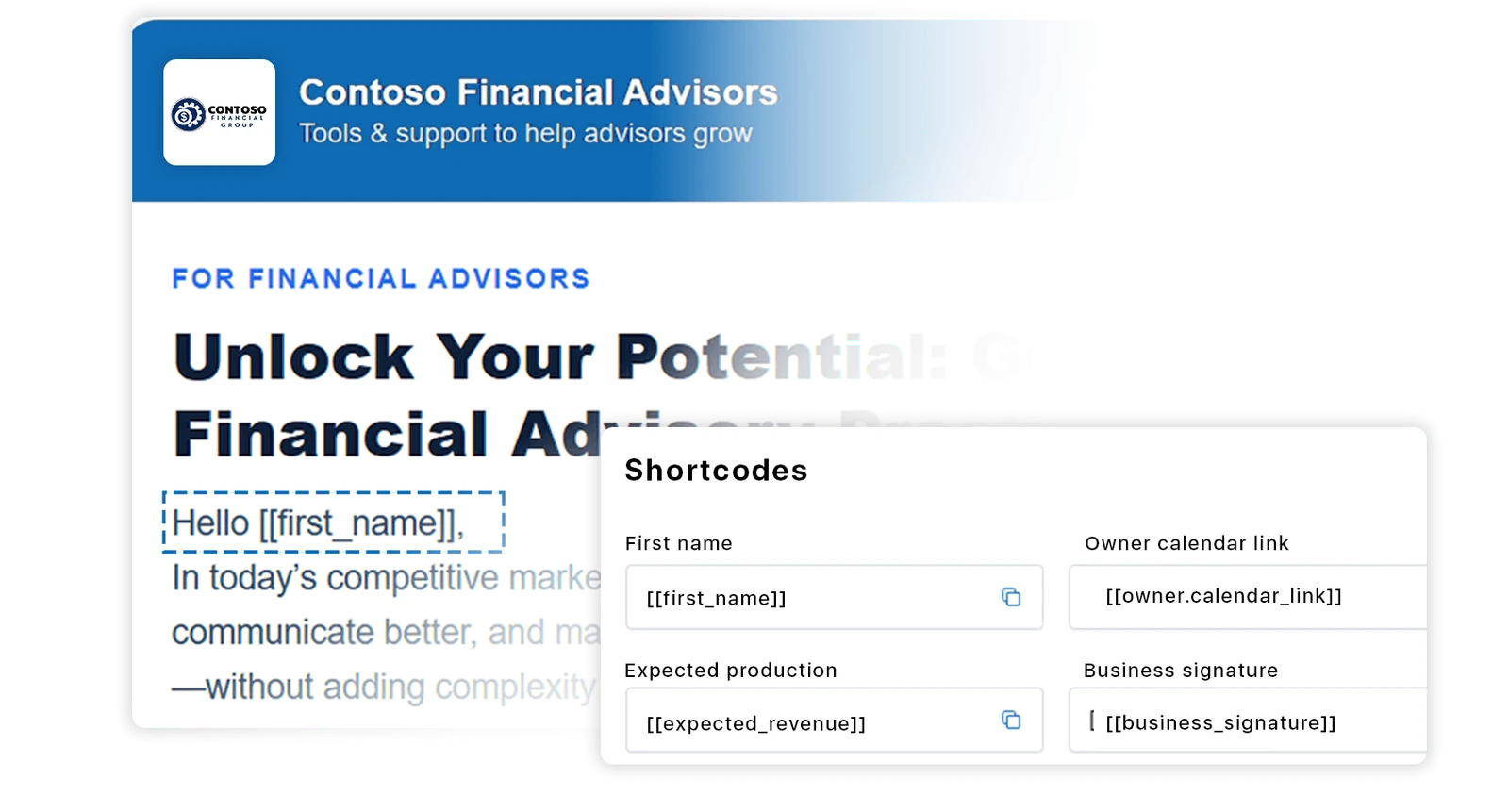
Works with LeadCenter Shortcodes for Personalization
Templates support LeadCenter shortcodes so your email can automatically pull real contact values (like name, appointment details, and other fields) into the message.
Frequently asked questions
What is the AI HTML Email Designer?
It’s an AI-powered tool inside LeadCenter that generates complete HTML email layouts (not just text) so advisors can create professional, branded templates without coding.
Can I still edit the email after it’s generated?
Yes. You can refine content, adjust sections, and iterate on the layout until it matches your firm’s style.
Does it support personalization?
Yes. Your templates can include LeadCenter shortcodes so emails automatically populate contact-specific values when sent.
Can I use these layouts in campaigns and workflows?
Yes. Save the result as a template and reuse it across LeadCenter email campaigns and workflows.
Build Better Emails—Faster
Create branded HTML email layouts in seconds, save them as templates, and use them across campaigns and workflows—right inside LeadCenter.
LeadCenter CRM, anywhere you go
Access your contacts, calendar, and tasks on the go with the LeadCenter mobile app for iOS and Android.


