
Speak AI: AI Speech to Text for Financial Advisors
Record notes and messages by voice and turn them into clean, searchable text instantly inside LeadCenter.
 Record Notes Instead of Typing
 Instant Transcription in LeadCenter
 Notes Saved to the Right Record
Capture Thoughts While They’re Fresh
Advisors don’t always have time to type detailed notes, especially between meetings or calls. AI Speech to Text lets you record your thoughts the moment they happen and turns them into written notes automatically inside LeadCenter. No typing. No shortcuts. Just speak and move on.
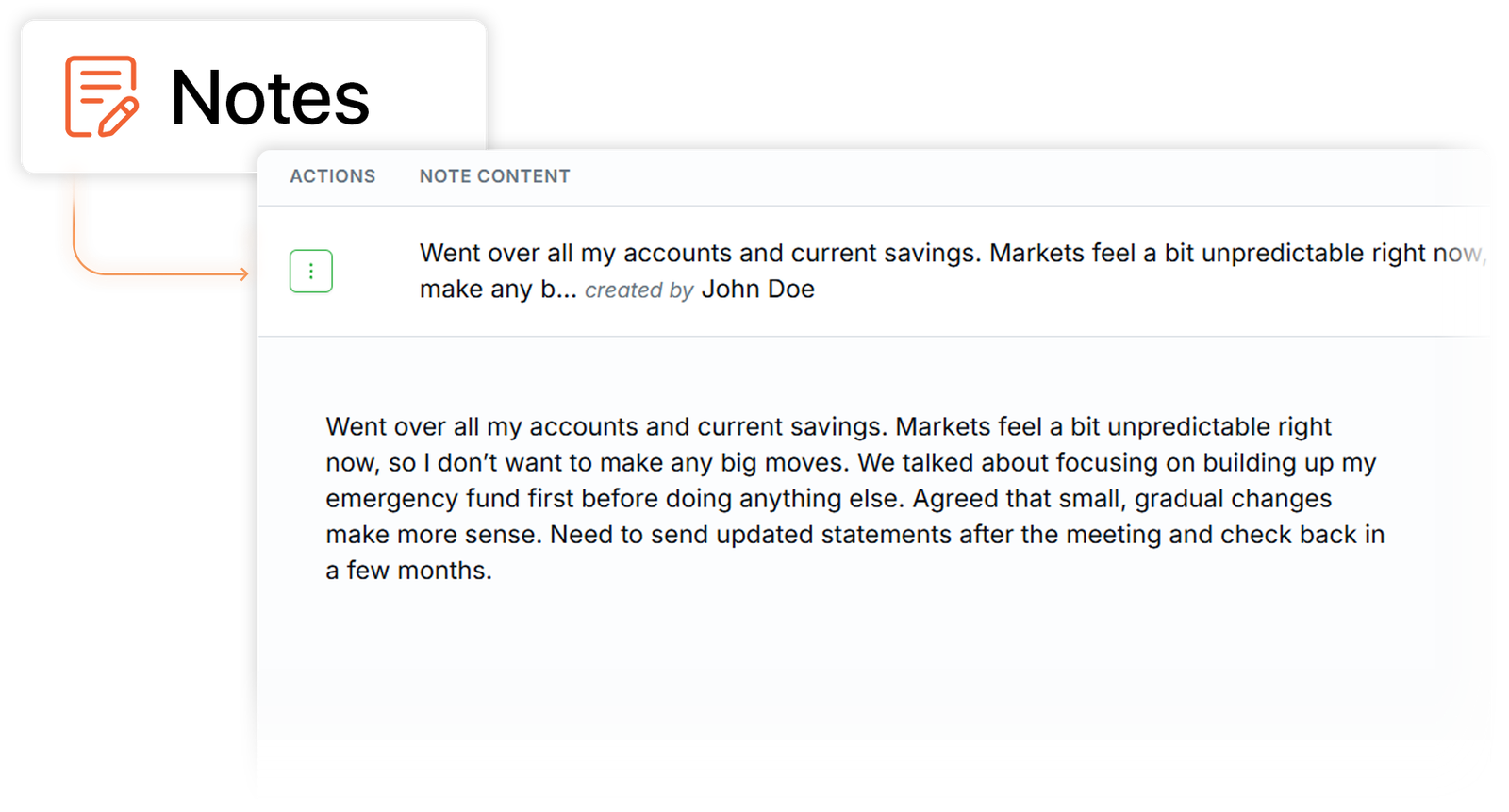
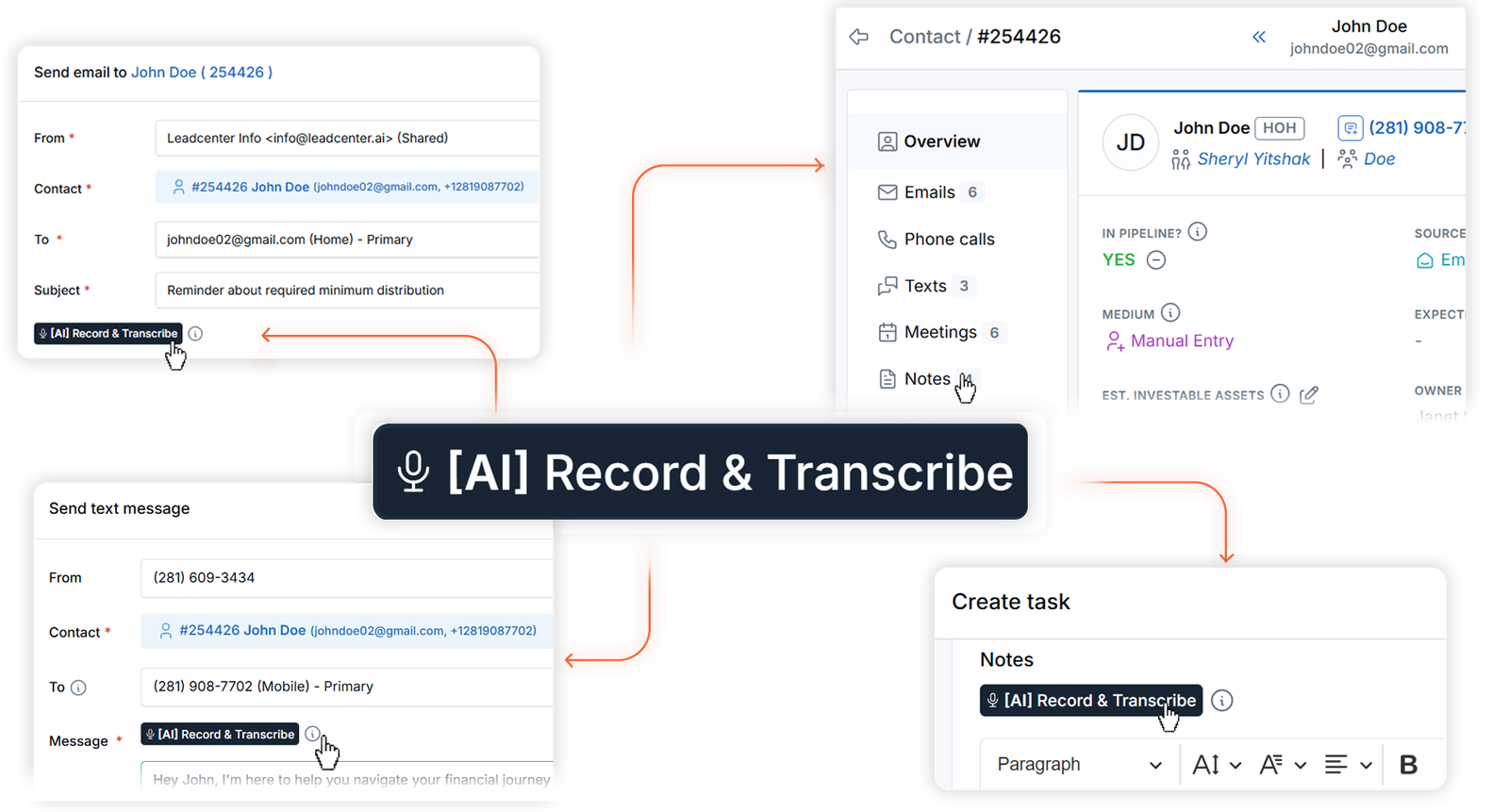
Record Notes and Messages with One Click
Use AI Speech to Text to record:
Contact notes
Follow-up reminders
Internal messages
Quick summaries after calls or meetings
Your voice is converted into text instantly, so you can keep working without breaking your flow.
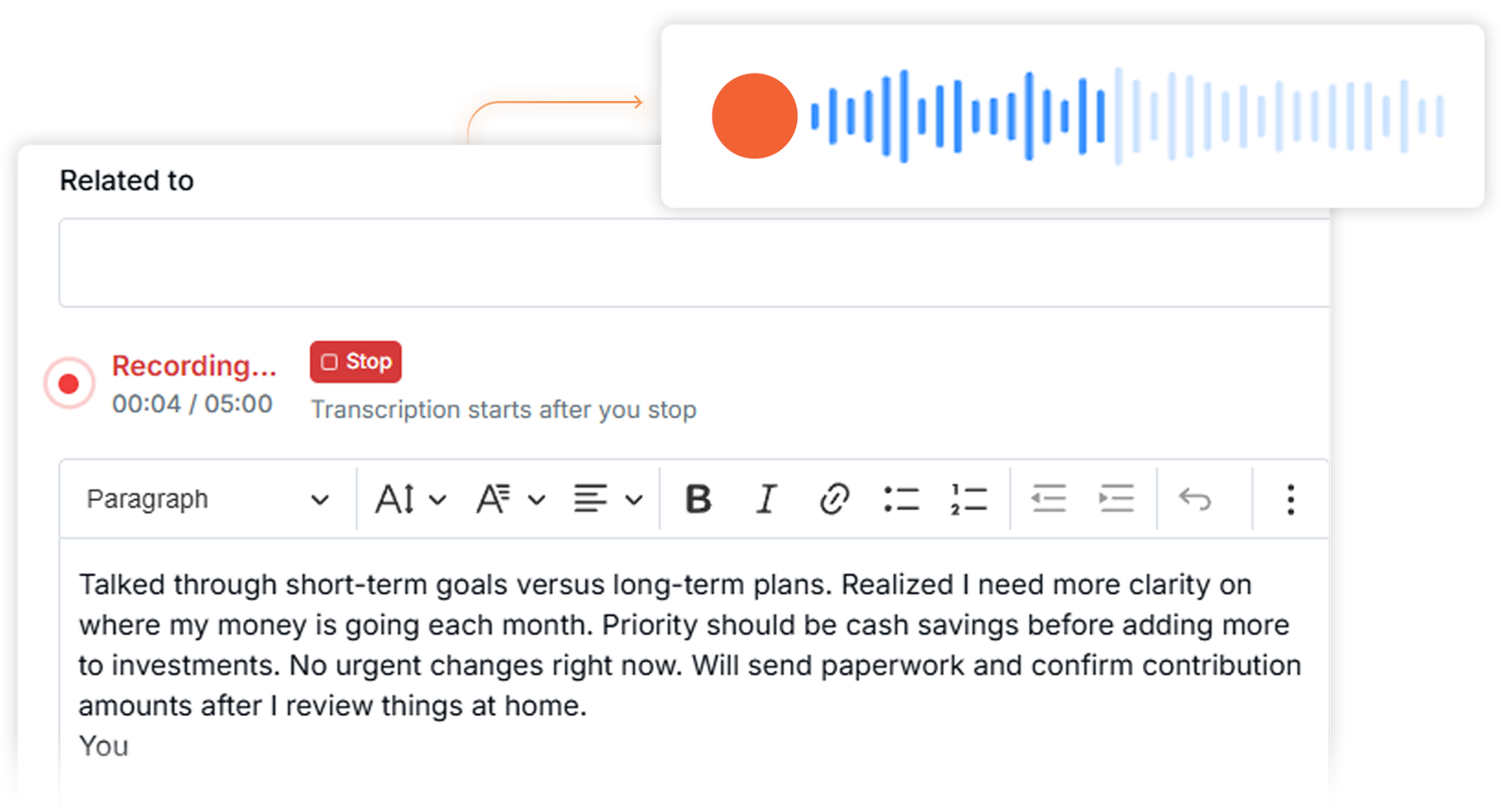
Automatically Transcribed into Clean, Readable Text
Recorded audio is transcribed into clear, structured text you can read, edit, and search later.
This makes your notes more useful, not just recorded, but actionable.
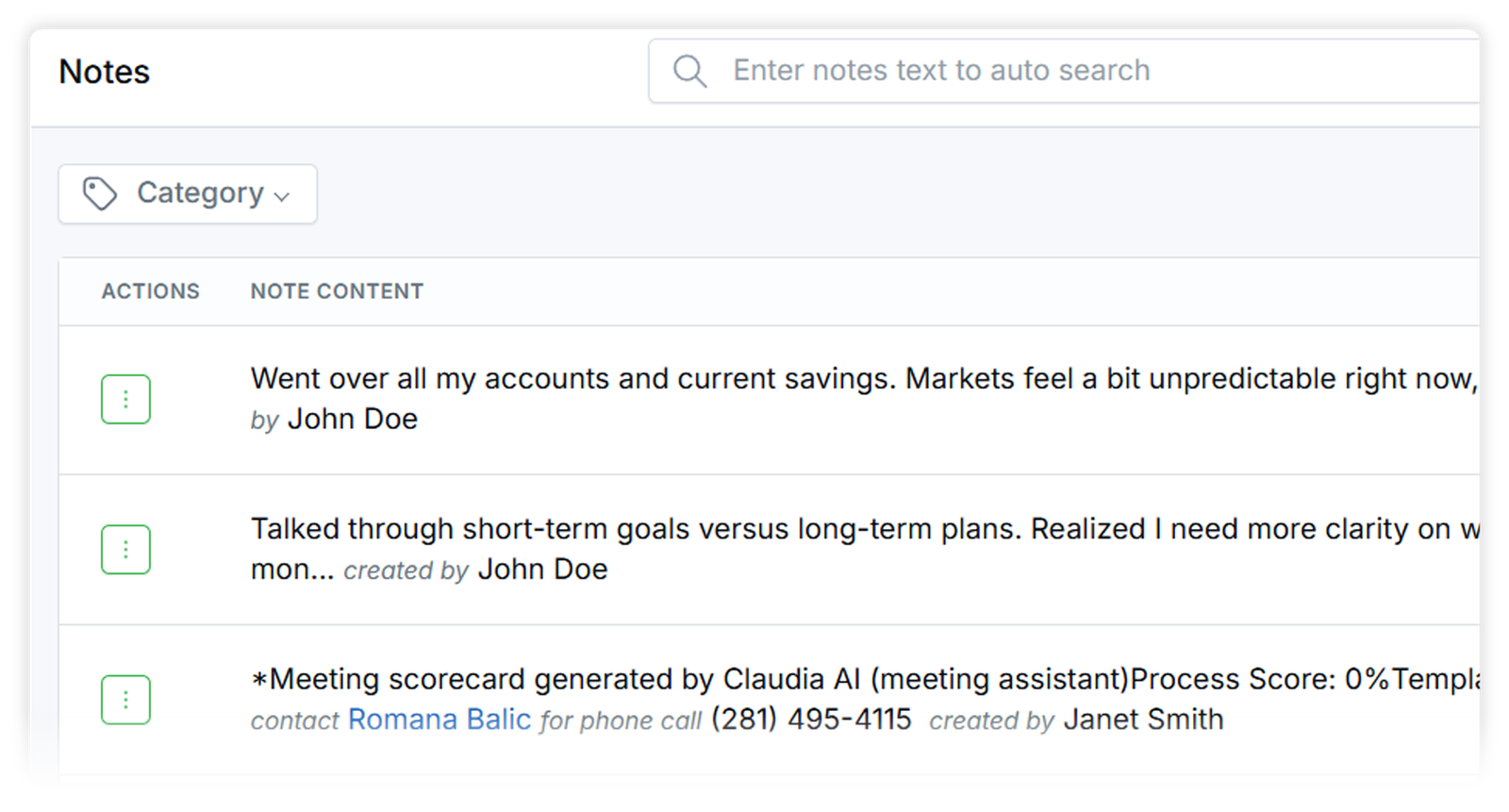
Saved Directly to Contacts, Deals, and Activities
Transcribed notes are saved exactly where they belong in LeadCenter.
That means future conversations, follow-ups, and reviews always have the right context, without hunting through scattered files or memory.
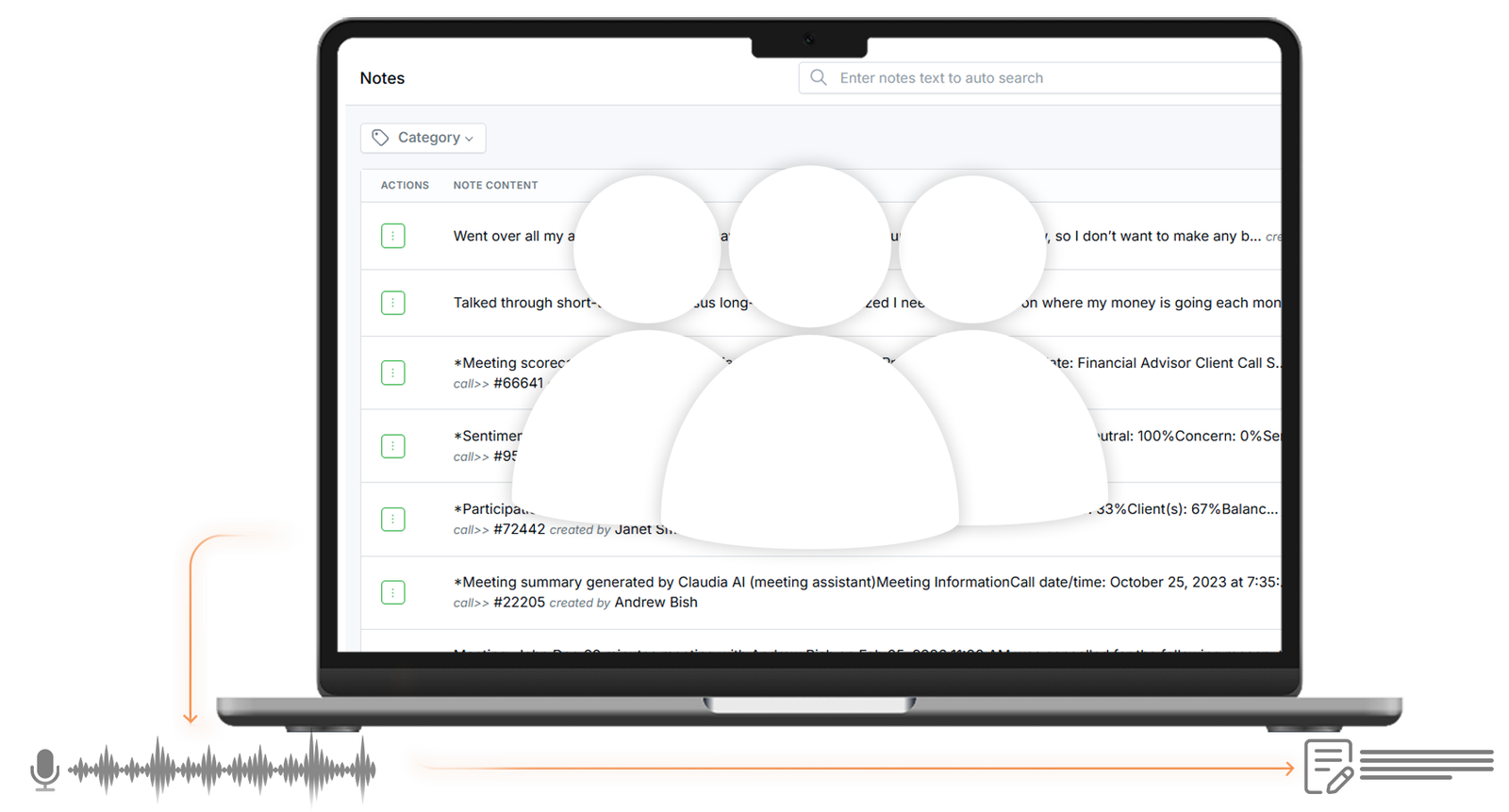
Stay Focused on Clients, Not the Keyboard
Whether you’re between meetings, on the move, or wrapping up a call, AI Speech to Text helps you stay present.
You talk. LeadCenter handles the rest.
Frequently asked questions
What is AI Speech to Text?
AI Speech to Text allows you to record spoken notes or messages and automatically convert them into written text inside LeadCenter.
Where can I use AI Speech to Text?
You can use it when adding notes or messages within LeadCenter, such as on contact records, activities, or follow-ups.
Can I edit the transcription after it’s created?
Yes. Once your note is transcribed, it behaves like any other note in LeadCenter. You can edit, refine, or update the text at any time.
Is my voice recording saved, or just the text?
The focus of AI Speech to Text is capturing your note as text. Once the transcription is created, you work with the written note inside LeadCenter, making it easy to read, search, and reference later.
When is this most useful?
It’s ideal for post-call notes, quick client summaries, reminders, and anytime typing would slow you down.
Capture More Without Slowing Down
AI Speech to Text helps advisors document conversations and ideas effortlessly. Speak your notes, keep your records clean, and move on with your day.
LeadCenter CRM, anywhere you go
Access your contacts, calendar, and tasks on the go with the LeadCenter mobile app for iOS and Android.


