
Click-to-Call for Financial Advisors
Call contacts directly from LeadCenter, get every call transcribed and summarized automatically, track your team's call activity, and make sure your number never shows up as spam.
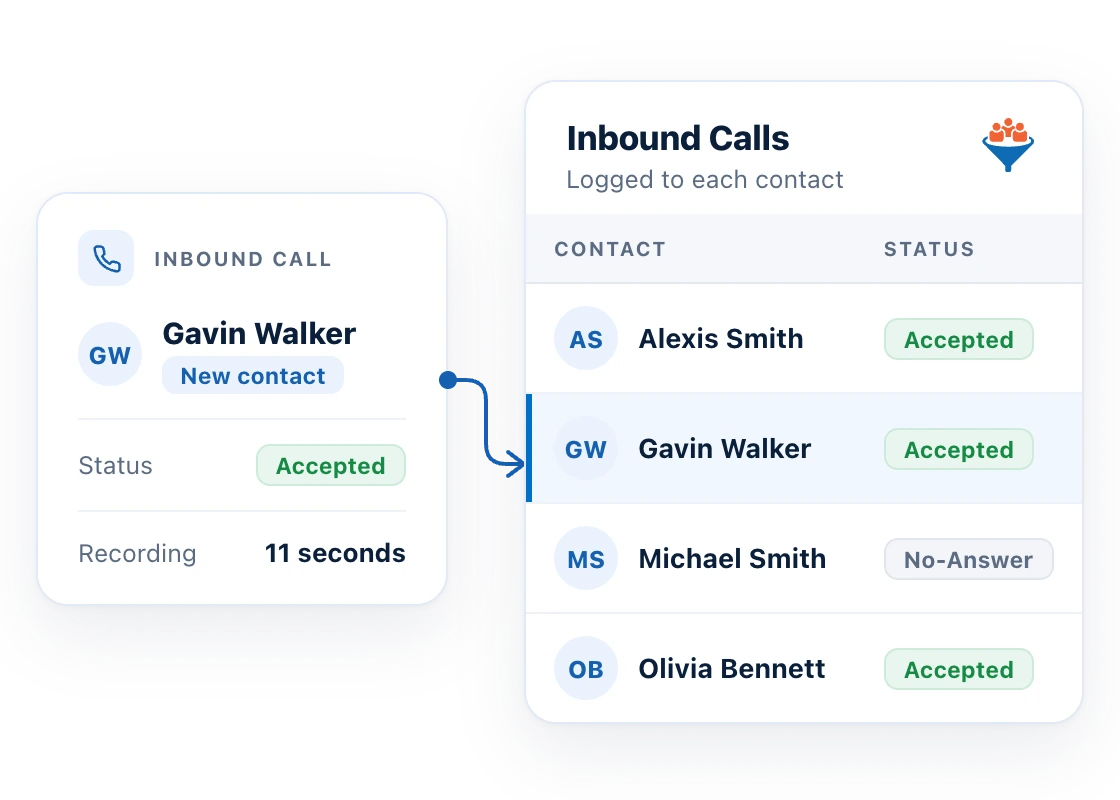
 Direct Calls in CRM
 Auto Transcriptions
 Real-Time Tracking
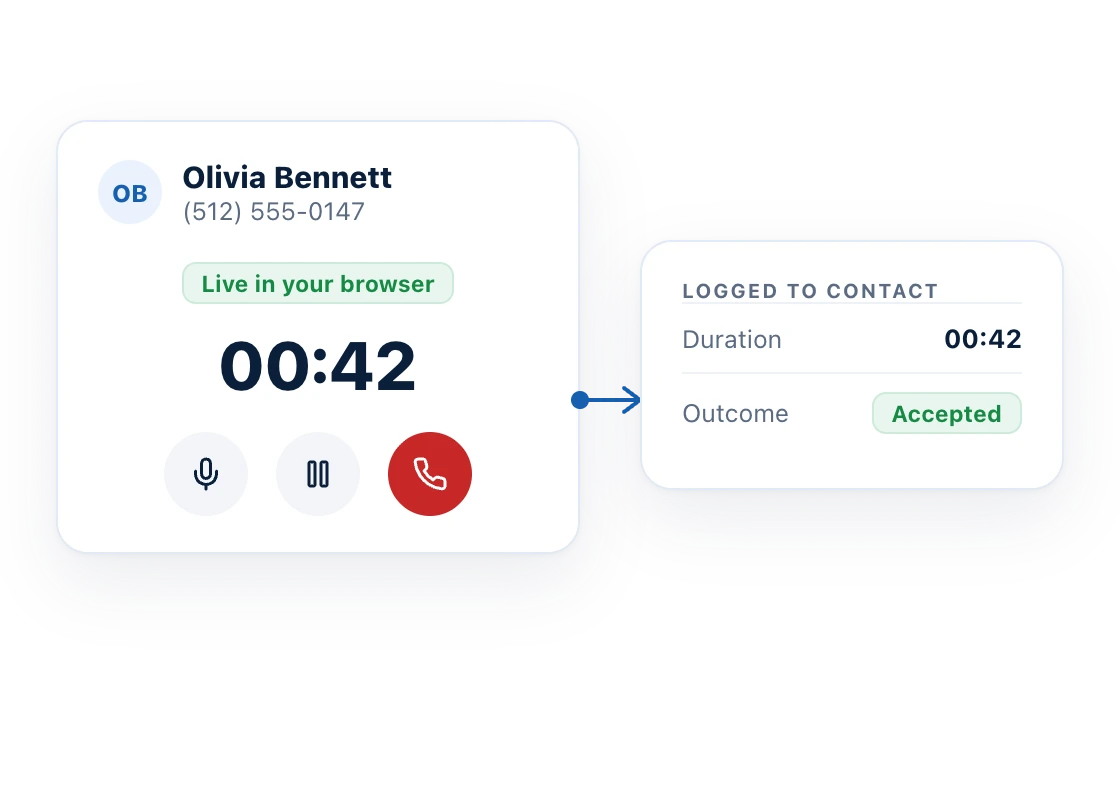
Seamless Calls with Built-In VoIP
Every contact record in LeadCenter has a click-to-call button. Click it and the call starts in your browser. Duration and outcome are logged to the contact automatically.
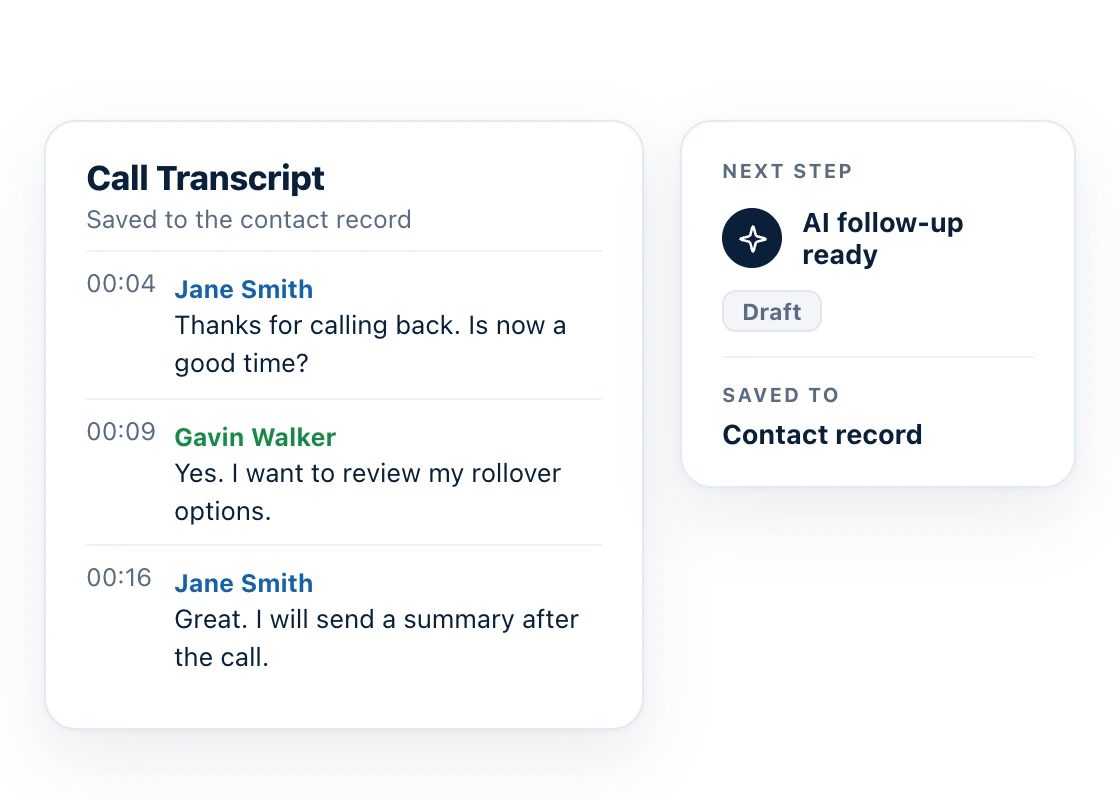
Accurate Follow-Ups with Call Transcriptions
LeadCenter automatically transcribes outbound and inbound calls, attaching timestamped text directly to the contact record. This complete conversation log seamlessly feeds native AI features to generate instant automated follow-ups.
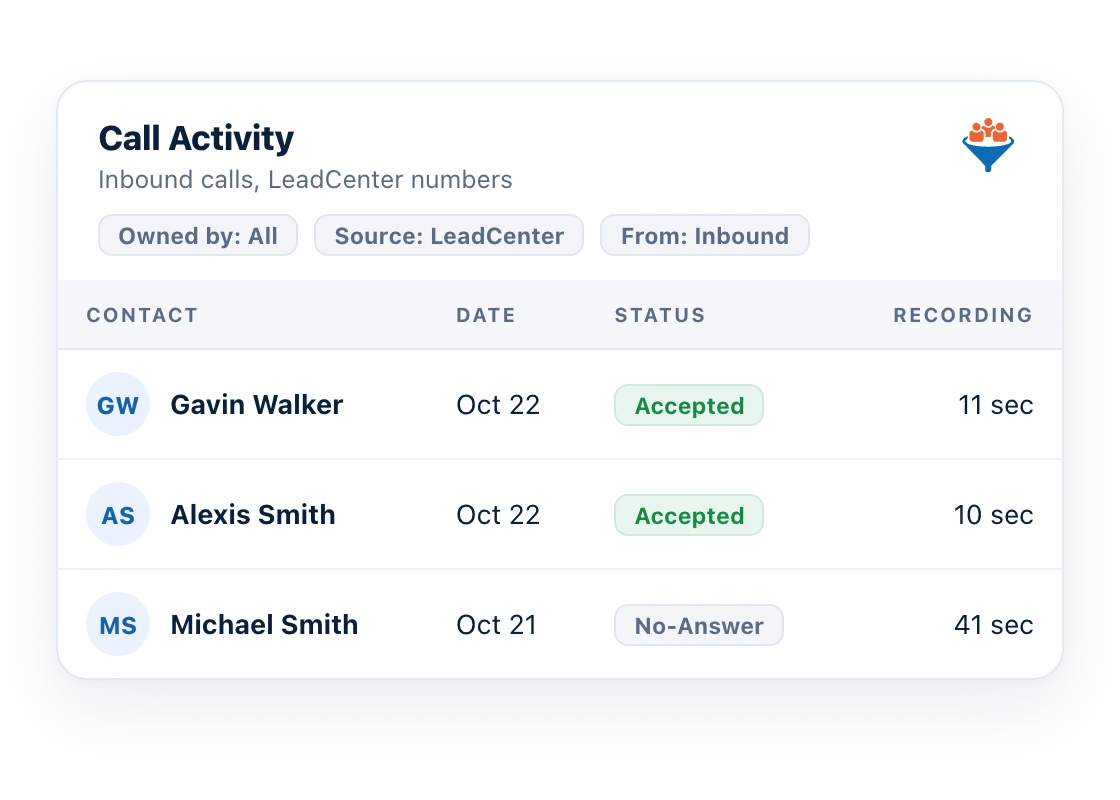
Real-Time Call Analytics for Your Team
LeadCenter tracks every call your team makes. See how many calls each advisor made, to which contacts, and on which dates so nothing is missed.
Make Sure Your Calls Get Answered
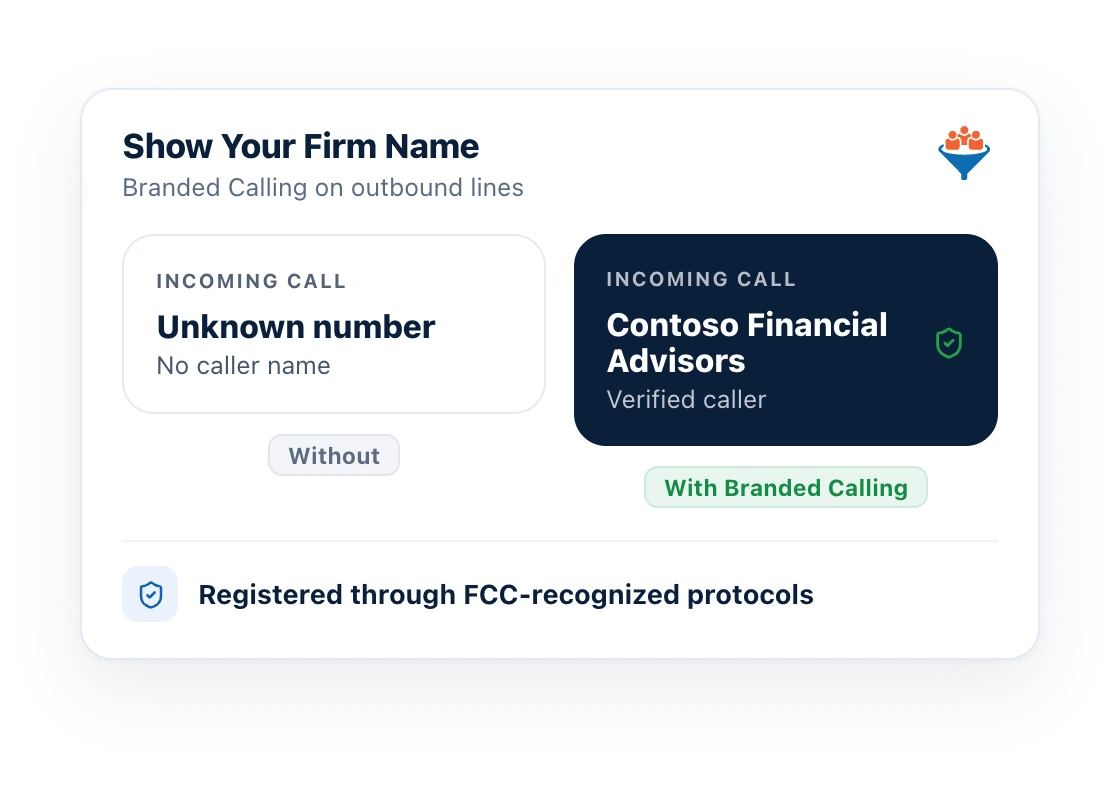
80% of Americans ignore unknown numbers. LeadCenter resolves this by registering outbound lines through FCC-recognized protocols like Branded Calling, displaying your firm name to instantly lift legitimacy and answer rates.
Frequently asked questions
Can I make calls directly from LeadCenter.AI?
Yes! LeadCenter.AI’s Click-to-Call feature allows you to make calls directly from the CRM, eliminating the need for third-party VoIP systems.
Can I control whether calls are recorded and transcribed?
Yes, you can enable or disable call recording and transcription based on your firm's recordkeeping policies.
How can I measure the performance of the calls made by the schedulers?
LeadCenter.AI automatically logs all calls, and you can access detailed call reports that provide insights into your team’s call activity and outcomes.
Are calls recorded and transcribed automatically?
Yes, calls are recorded and transcribed by default, but you can disable these features as needed.
Boost Productivity with Click-to-Call
Call contacts directly from LeadCenter.AI. Save time with automatic transcriptions, track your team's performance, and eliminate the need for third-party VoIP systems.
LeadCenter CRM, anywhere you go
Access your contacts, calendar, and tasks on the go with the LeadCenter mobile app for iOS and Android.


