
Dialpad Integration for Financial Advisors
Make and track Dialpad calls inside LeadCenter—with recordings, transcriptions, and inbound lead capture tied to the right client record automatically.

 Click-to-Call from Contact Records
 Recordings + Transcriptions in the CRM
 Inbound Calls Auto-Captured as Contacts
Calls that stay with the contact
With Dialpad connected, LeadCenter keeps call activity tied to the right contact or lead—so context and follow-ups live in the CRM, not in a separate phone system
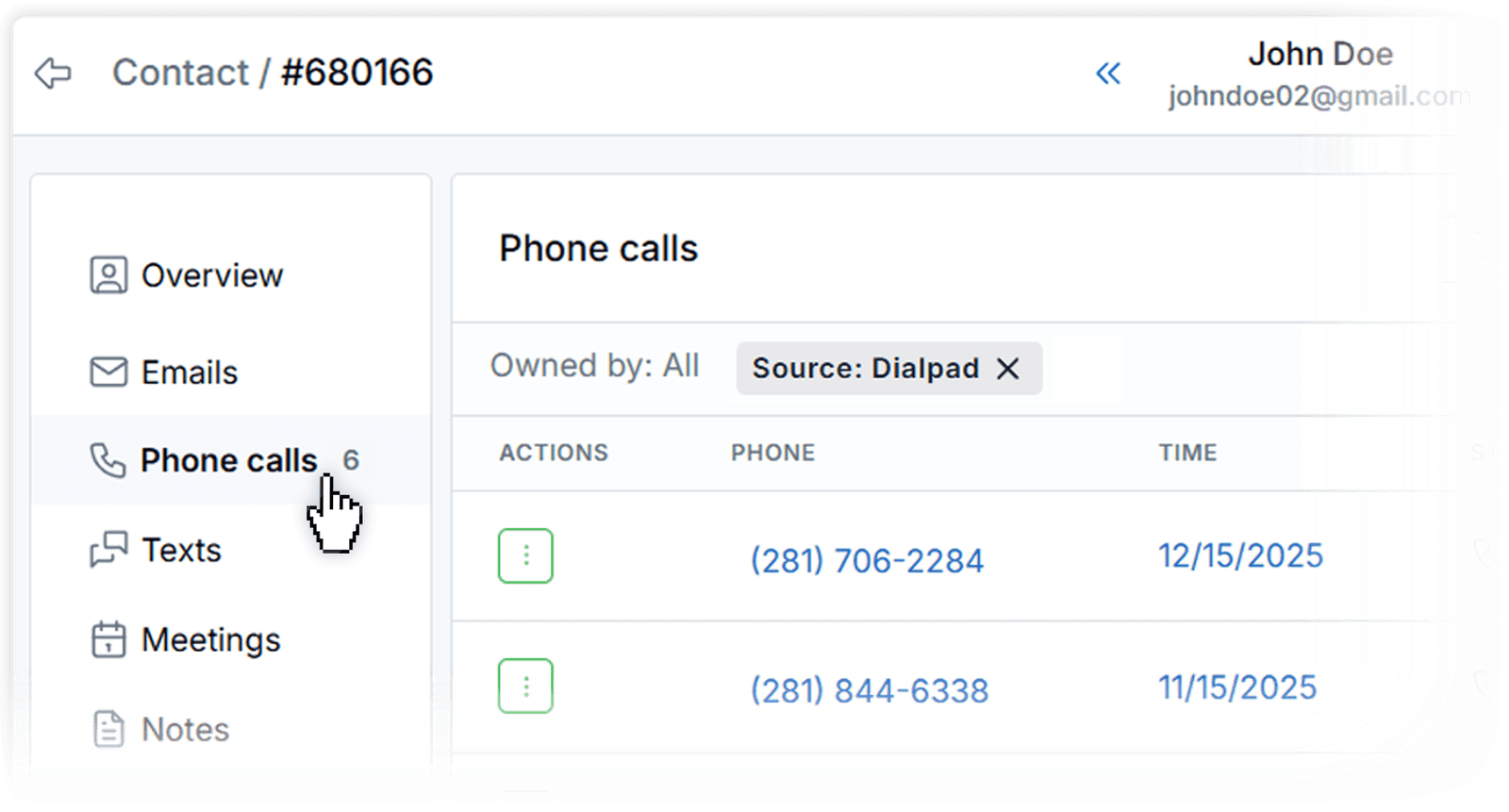
Automatically Capture Leads from Inbound Calls
When someone calls from a number that isn’t already in LeadCenter, the Dialpad integration can automatically create a new lead—so opportunities don’t slip through the cracks.
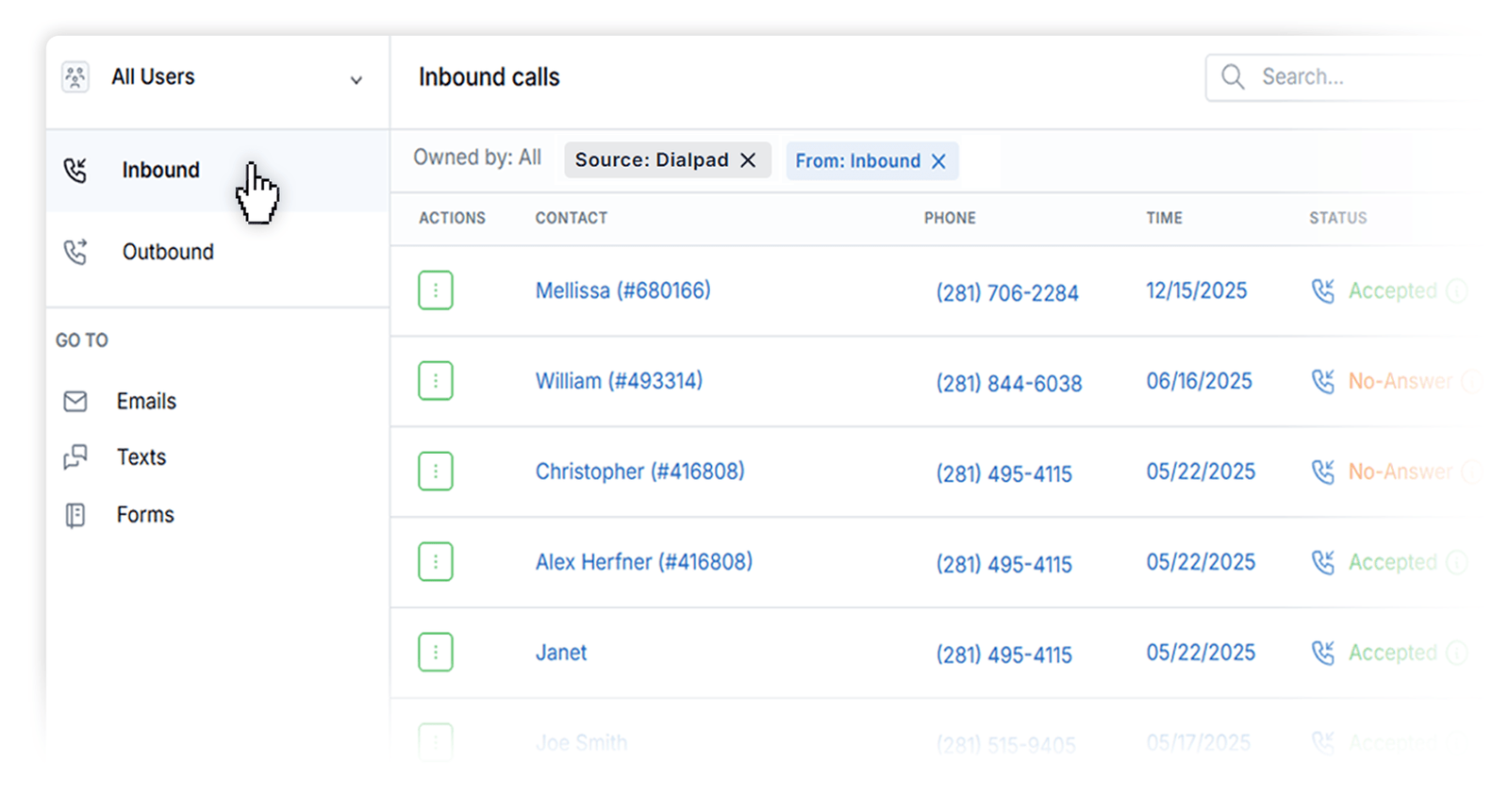
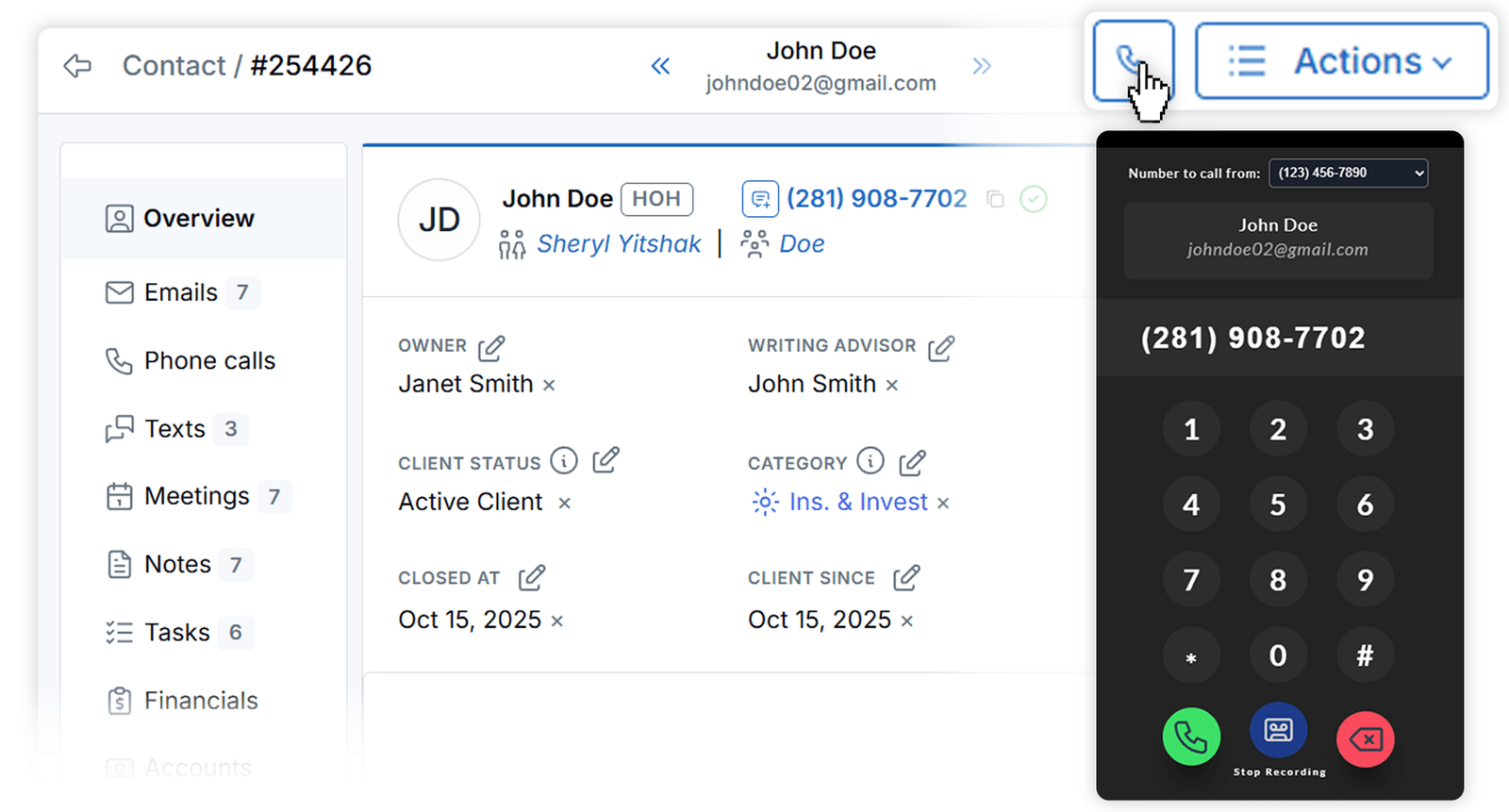
Click-to-Call from the Client Record
Call leads, prospects, and clients directly from LeadCenter contact records using Dialpad—keeping your calling workflow inside the CRM.
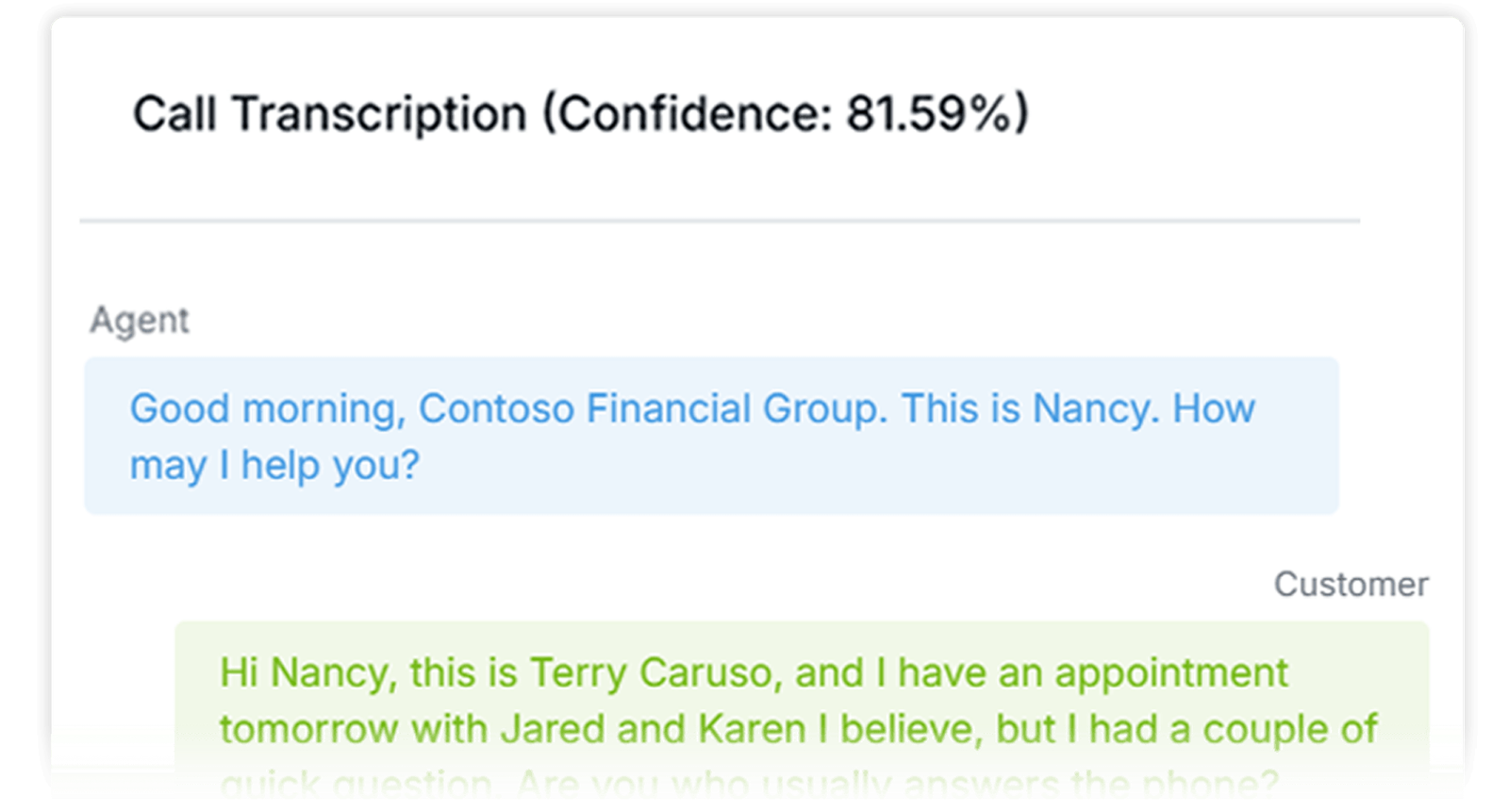
Automatic Call Logging + Recordings & Transcriptions
Completed Dialpad calls sync into LeadCenter automatically. When Dialpad recordings/transcriptions are enabled, LeadCenter surfaces them on the call record so your team can review conversations quickly.
Frequently asked questions
Do calls have to be placed from inside LeadCenter?
No. You can place calls from Dialpad directly or initiate calls from Dialpad inside LeadCenter. Once connected, completed Dialpad calls are automatically logged in LeadCenter and linked to the right contact whenever possible.
Will recordings and transcriptions appear in LeadCenter?
When Dialpad recordings and transcriptions are enabled, LeadCenter can surface recordings and transcriptions on the related call record for quick review.
Are inbound calls captured as leads?
Yes. Dialpad calls from unknown numbers can automatically create new leads, while known numbers are matched to existing contacts.
What does the Dialpad integration do?
It connects Dialpad to LeadCenter so call activity is synced automatically, calls can be initiated from contact records, and call context stays tied to the CRM record.
Bring Dialpad calling into your CRM workflow
Capture inbound leads, log every conversation automatically, and keep recordings and transcriptions tied to the right client record—inside LeadCenter.
LeadCenter CRM, anywhere you go
Access your contacts, calendar, and tasks on the go with the LeadCenter mobile app for iOS and Android.


