
Integration with Google Calendar
Streamline your schedule with BookMyTime's integration with Google Calendar. Minimize scheduling conflicts and ensure you never miss an appointment again.
 Effortless Reminders
 Increase Productivity
 Seamless Workflow
Send Effortless Reminders
Are you looking for a way to reduce no-shows and rescheduling? Our integration with Google Calendar enables you to send automated reminders to you and your clients.
Ensure Seamless Workflow
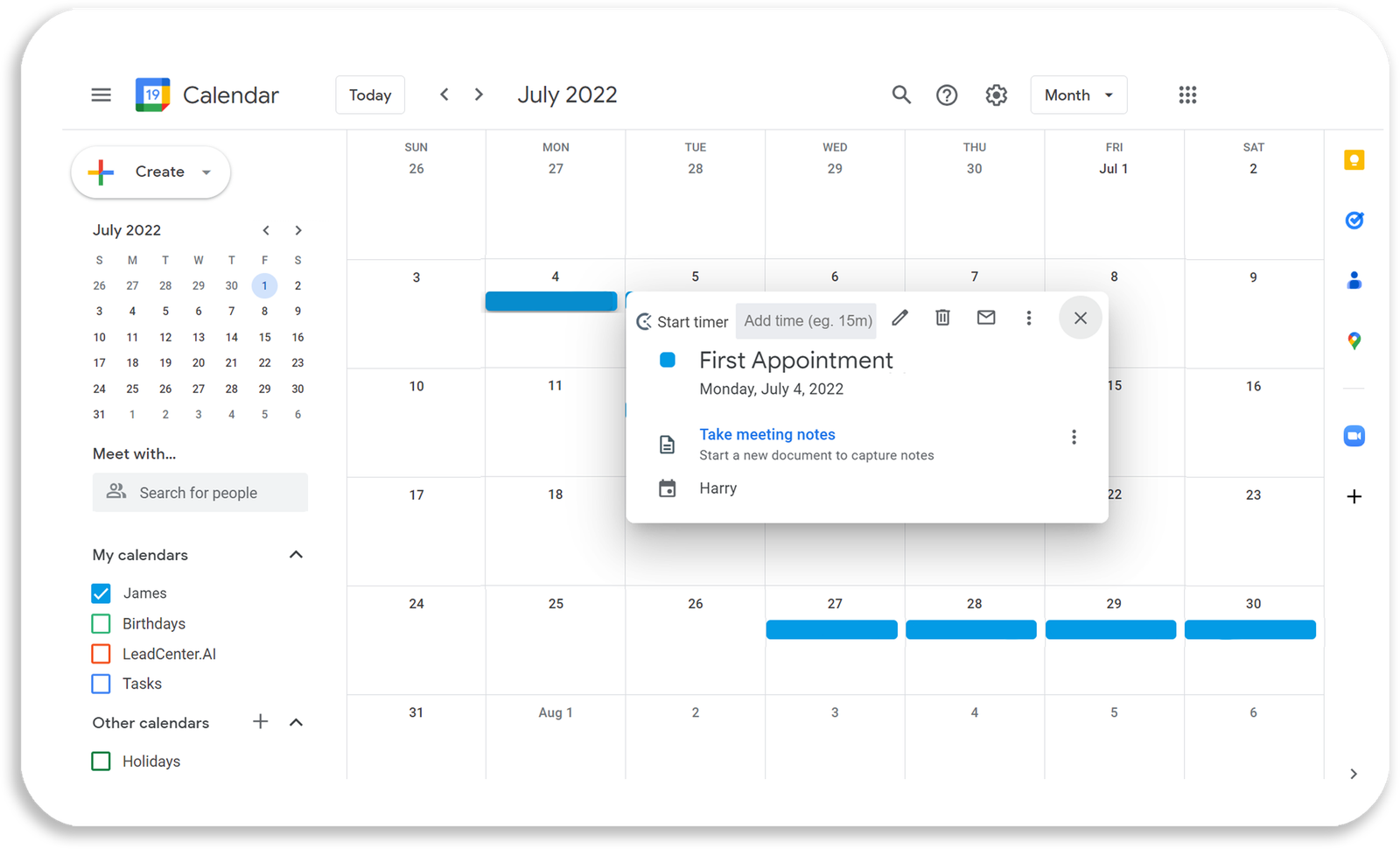
BookMytime integration simplifies your scheduling process, ensuring that you and your clients have complete access to your latest availability without any hassle. Save once and your Google Calendar will be automatically updated to prevent double bookings and scheduling conflicts.
Maximize Your Sales
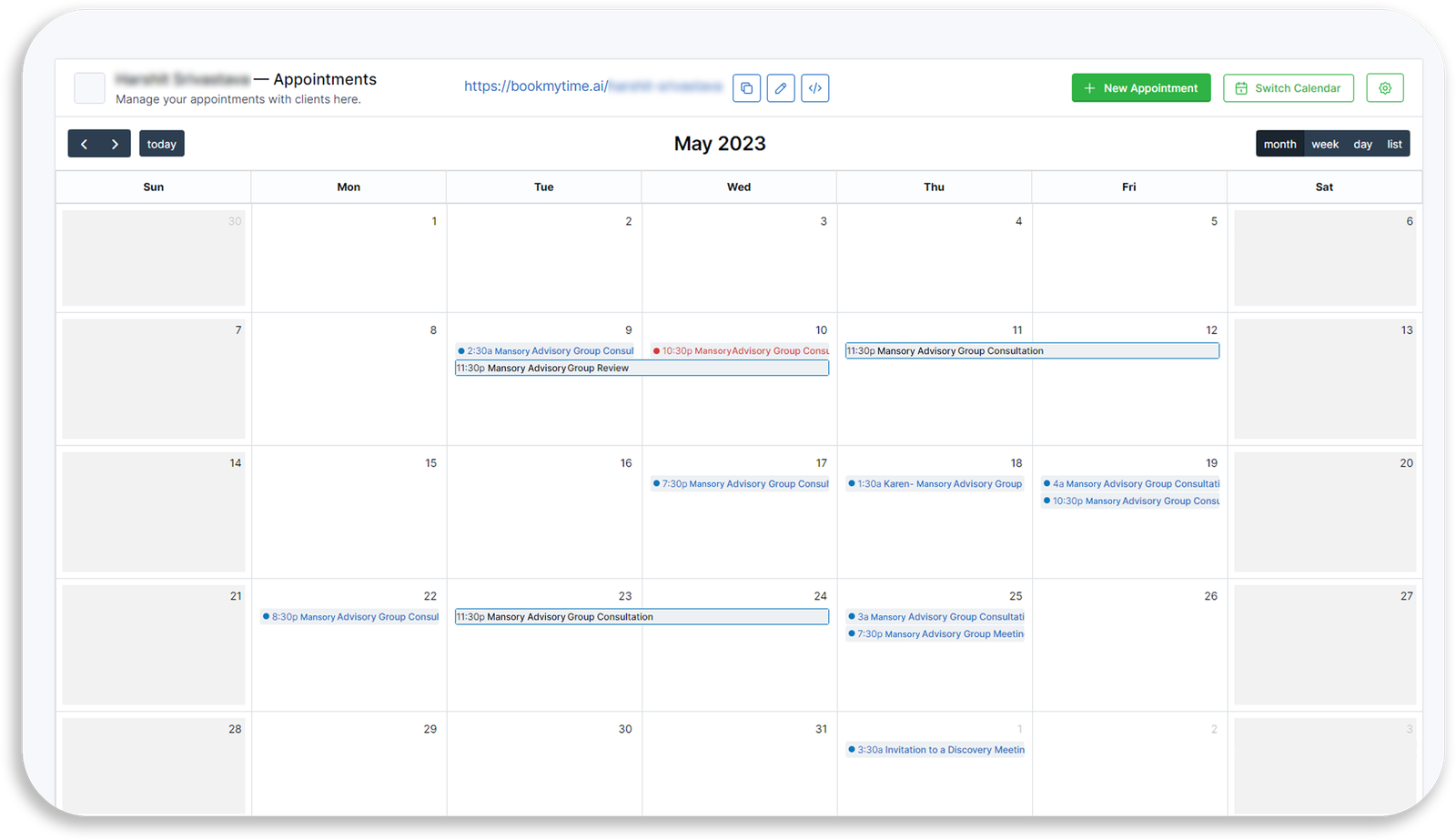
Streamline your scheduling process and focus more on building relationships with your clients rather than keeping yourself occupied with administrative tasks.
Frequently asked questions
Will BookMyTime appointments be automatically synced with my Google Calendar?
Yes, as soon as an appointment is booked through BookMyTime, it will automatically be added to your Google Calendar. So you will not have to switch between tabs and spend time scheduling more than once.
What happens if I cancel or reschedule an appointment in BookMyTime?
If you cancel or reschedule an appointment in BookMyTime, it will be automatically updated in your Google Calendar.
Is there a limit to the number of appointments that can be synced between BookMyTime and Google Calendar?
No, there is no limit to the number of appointments that can be synced between BookMyTime and Google Calendar.
What versions of Google Calendar does the integration support?
Our integration is fully compatible with all versions of Google Calendar, including both the free version and Google Workspace (formerly G Suite) versions. No matter which version you use, our integration will seamlessly sync your events and help you manage your schedule more efficiently.
Does the integration work with multiple calendars?
Absolutely! Our integration allows you to seamlessly connect multiple Google calendars to your LeadCenter.ai account, making it easy to manage all your appointments in one place. Whether you have personal and professional calendars, or simply want to keep different types of appointments separate, our integration has you covered. Simply connect your calendars and start enjoying greater control and organization over your schedule.
How does the integration handle time zones?
Our integration takes care of time zones automatically, so you can focus on more important things. When someone requests an appointment with you, our system automatically detects their time zone and adjusts your availability accordingly. This means you’ll never have to worry about scheduling conflicts caused by time zone differences. With our seamless time zone detection and adjustment, you can keep your schedule running smoothly no matter where in the world your appointments take you.
Can I choose which calendar in my Google account to sync with BookmyTime.ai?
Absolutely! Our integration with Google Calendar is fully customizable, so you can choose exactly which calendar you want to sync with BookmyTime.ai. When you connect your Google account, simply select the calendar you want to sync, and you’re ready to go. This means you can keep your personal and professional calendars separate, or choose to sync only certain types of events. With BookmyTime.ai, you’re in control of your schedule and how it syncs with your Google Calendar.
How often does BookmyTime.ai sync with my Google Calendar?
BookmyTime.ai is committed to keeping your schedule up-to-date and accurate. That’s why our integration with Google Calendar syncs every 15 minutes, so you can be sure that any changes you make on either platform are reflected in real-time. This means you’ll never have to worry about missing an appointment or double-booking your time. With BookmyTime.ai, you can stay on top of your schedule with ease and confidence.
Does BookmyTime.ai have access to my entire Google account?
We take your privacy and security seriously at BookmyTime.ai. That’s why we only access the information we need to provide you with the best scheduling experience possible. When you connect your Google account to BookmyTime.ai, you’ll be asked to choose which calendar you want to sync. We only access the calendar you choose, and we do not access any other data or information in your Google account. You can trust us to keep your information safe and secure while providing you with the scheduling tools you need to succeed.
Streamline Your Schedule with BookMyTime.AI Integration
BookMyTime.AI integrates with Google Calendar to eliminate double bookings and missed appointments. With automatic syncing and advanced scheduling features, prioritize your tasks and stay on top of your appointments on-the-go. Transform your sales process today.
LeadCenter CRM, anywhere you go
Access your contacts, calendar, and tasks on the go with the LeadCenter mobile app for iOS and Android.


