
Salesforce CRM Integration
Two-way contact integration built for financial advisors—connect LeadCenter and Salesforce through Zapier and keep your data in sync, automatically.
 Bi-Directional Sync
 Instant Lead Updates
 Zero Manual Entry
Two-Way Sync Made Simple
Keep contacts up to date in both LeadCenter and Salesforce automatically. Whether a lead is created or updated, the integration ensures both platforms reflect the latest data—no toggling or re-entry needed.
Smarter Contact Filtering
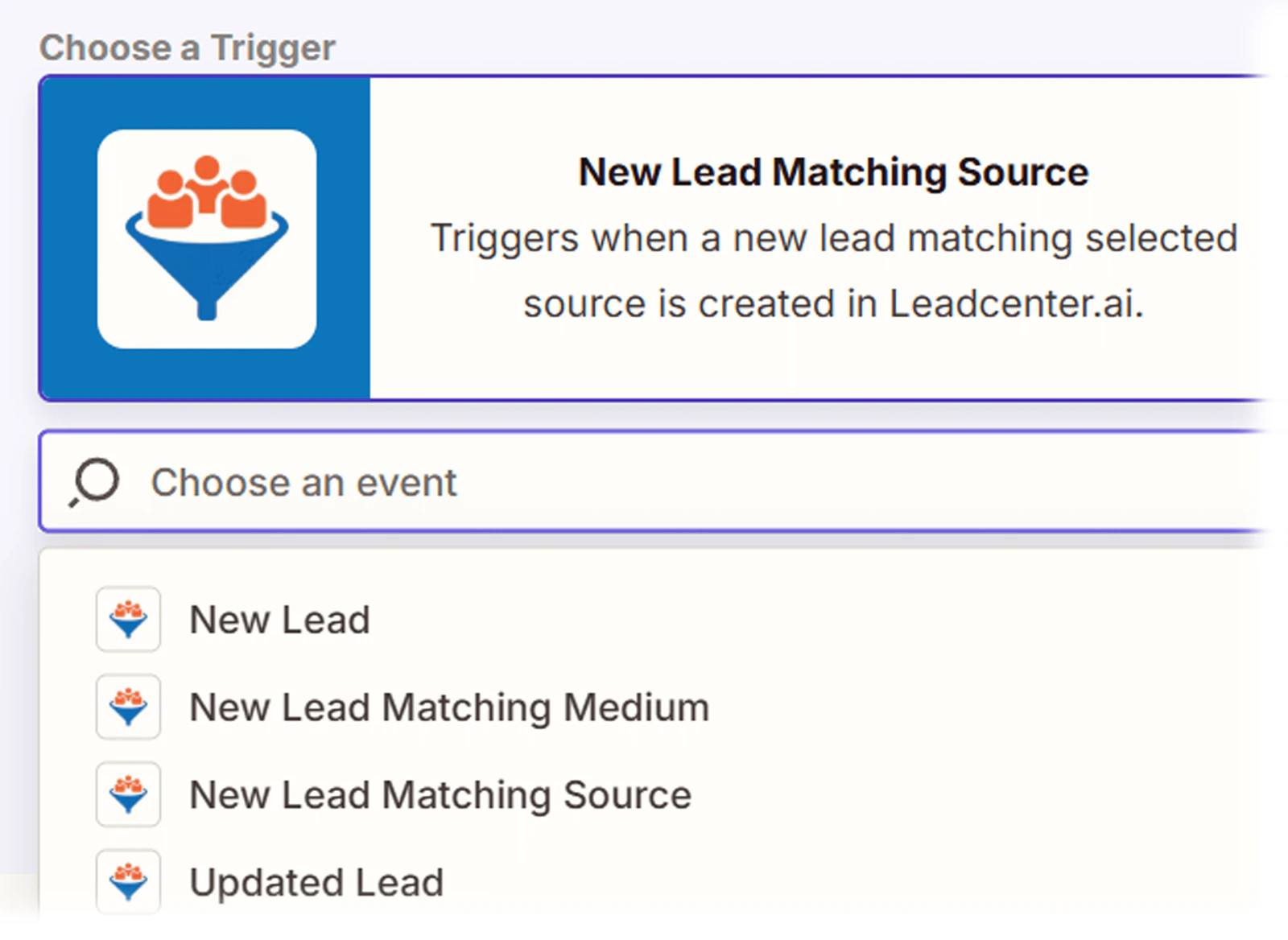
Want to sync only leads from a seminar campaign? Or specific online forms? With source and medium-based filters, only the right contacts flow between systems—keeping your pipelines clean and relevant.
No-Code, Fully Configurable via Zapier
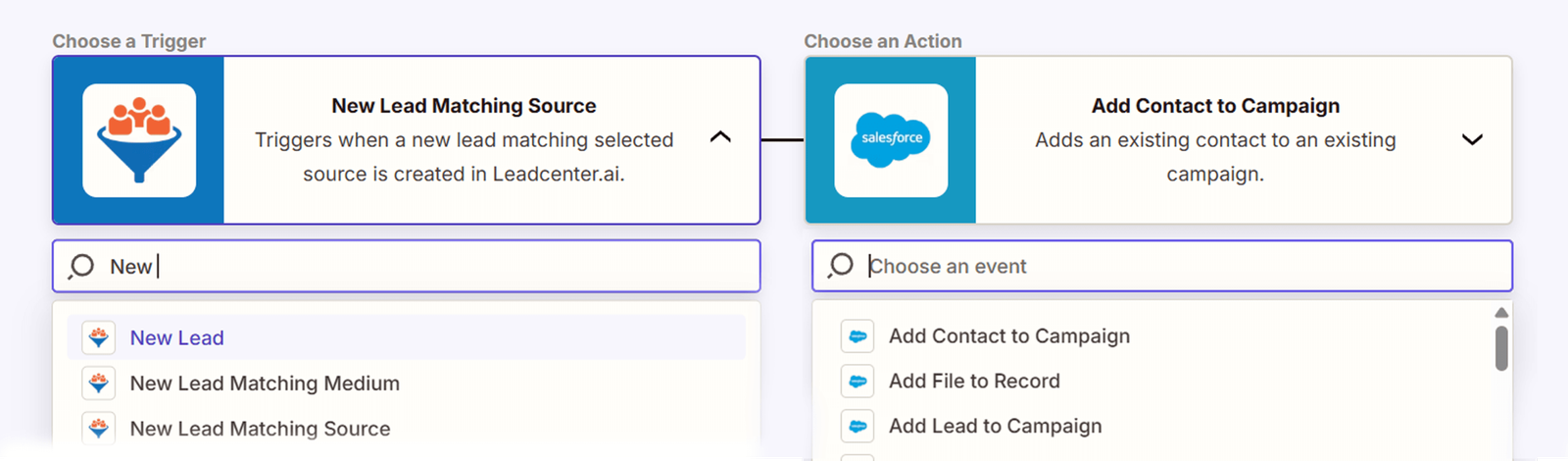
This integration runs on Zapier—no dev resources required. Set up custom triggers based on creation, updates, or specific field values. The power is in your hands.
Purpose-Built for Financial Advisors
Built with the advisor workflow in mind, this integration supports seamless follow-ups, cleaner CRM records, and a more efficient lead management process for RIAs and wealth managers.
Frequently asked questions
Is this integration native or does it use Zapier?
It’s powered by Zapier, allowing you to configure and automate two-way contact syncing without custom development.
What data is synced between LeadCenter and Salesforce?
Contact details, including name, phone, email, lead source, and medium—depending on how your Zap is configured.
Can I control which contacts are pushed or pulled?
Yes. You can set filters in Zapier based on source, medium, or update triggers to control what gets synced.
What if I already have contacts in both platforms?
The integration works forward-moving. We recommend syncing new or updated records to avoid overwriting existing data.
Can I get help setting this up?
Absolutely. Our support team can guide you through setup or even assist with Zap creation. Just reach out to support@leadcenter.ai
Ready to connect Salesforce and LeadCenter?
Save time, reduce errors, and automate lead flow between platforms.
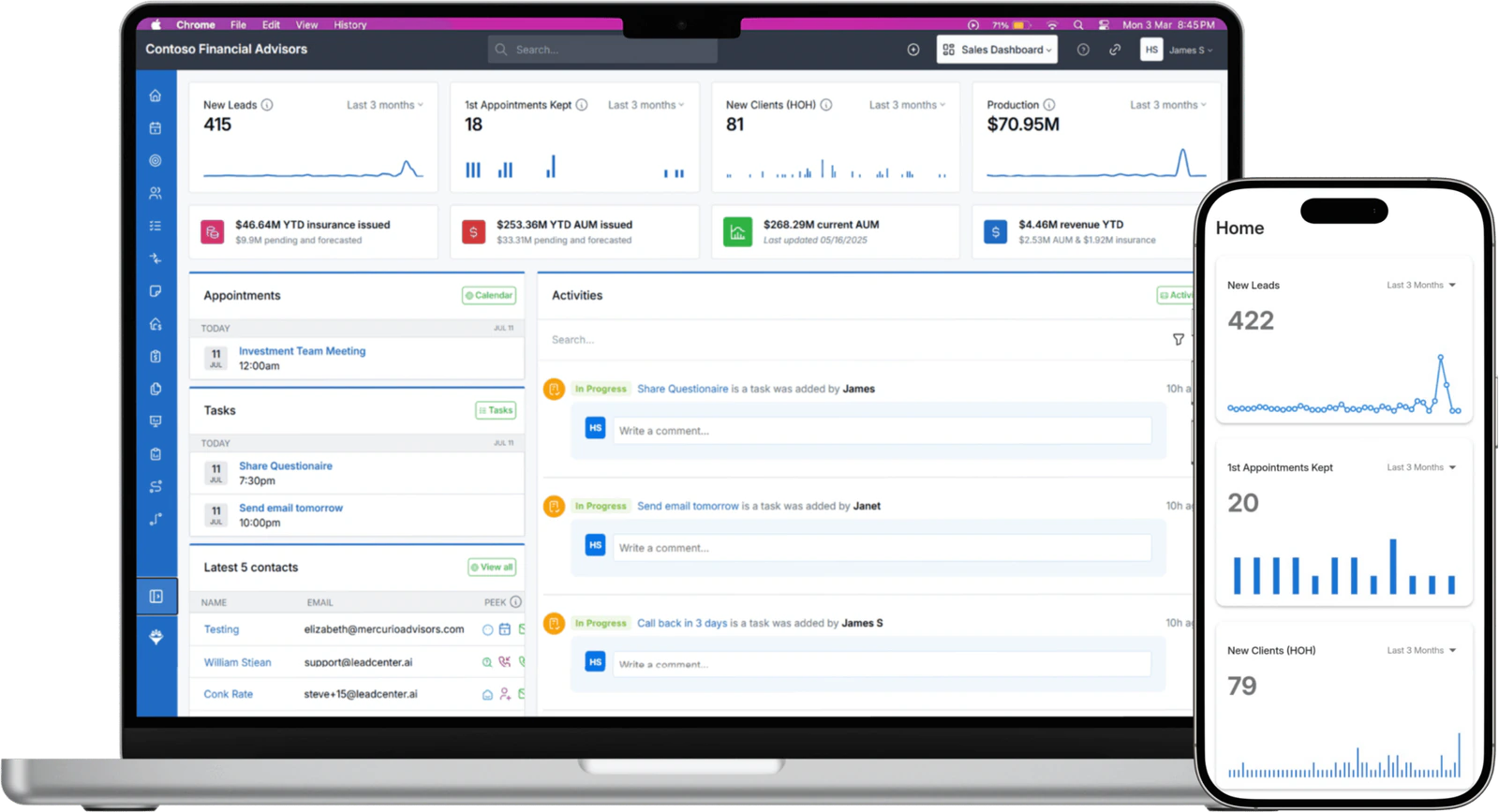
LeadCenter CRM, anywhere you go
Access your contacts, calendar, and tasks on the go with the LeadCenter mobile app for iOS and Android.


