
Integration with WordPress
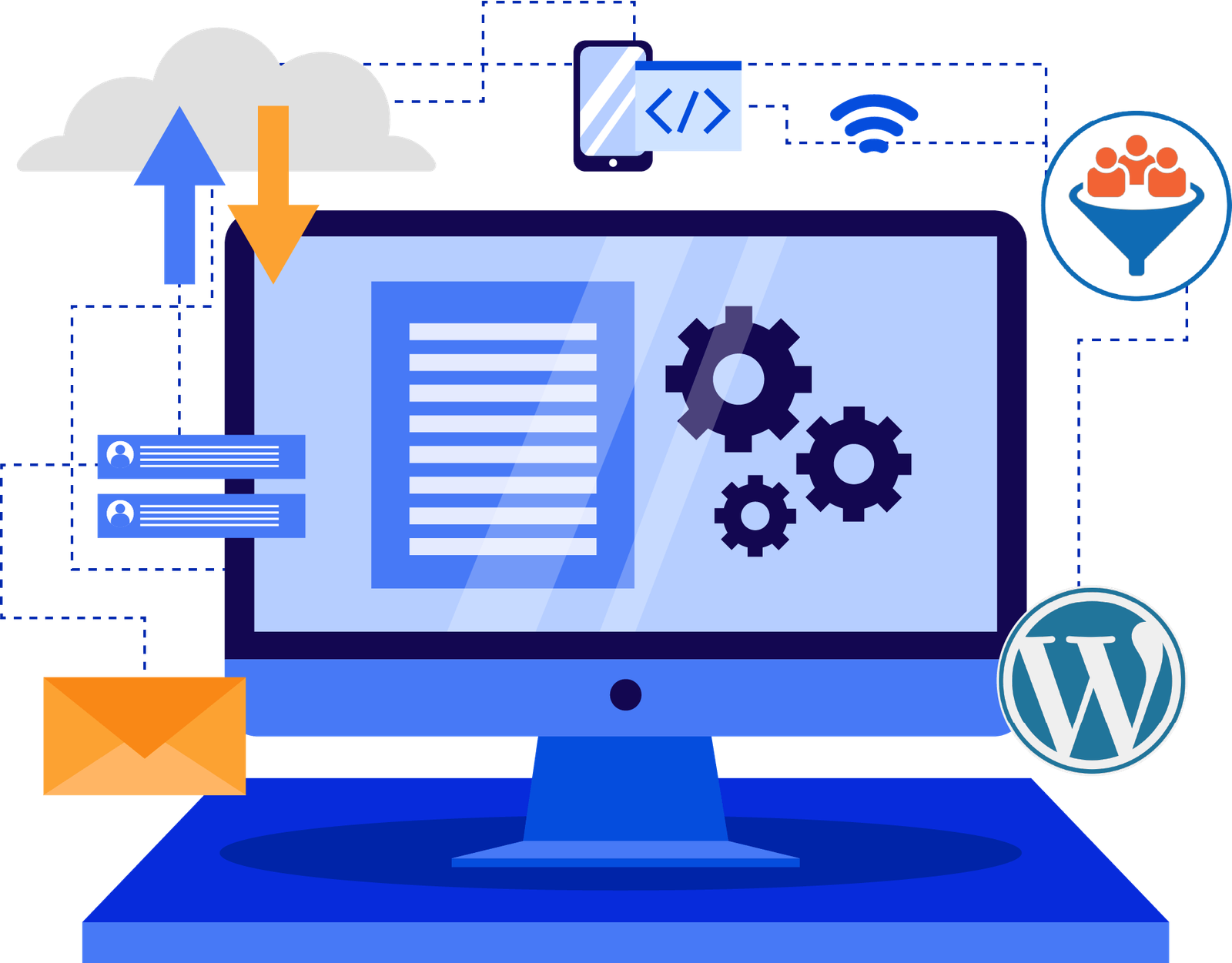
Automate your lead capturing and tracking with LeadCenter.ai's integration with WordPress forms.
 Real-Time Lead Tracking
 Easy Integration with WordPress
 Hassle-Free Data Entry
Effortlessly Manage Your Leads
With LeadCenter.ai’s seamless integration with WordPress forms, you can say goodbye to manual data entry and hello to streamlined lead management. All form submissions are automatically captured and tracked in LeadCenter.ai, giving you a complete picture of your leads’ behaviors and interactions with your website.
Improve Your Sales Team's Efficiency
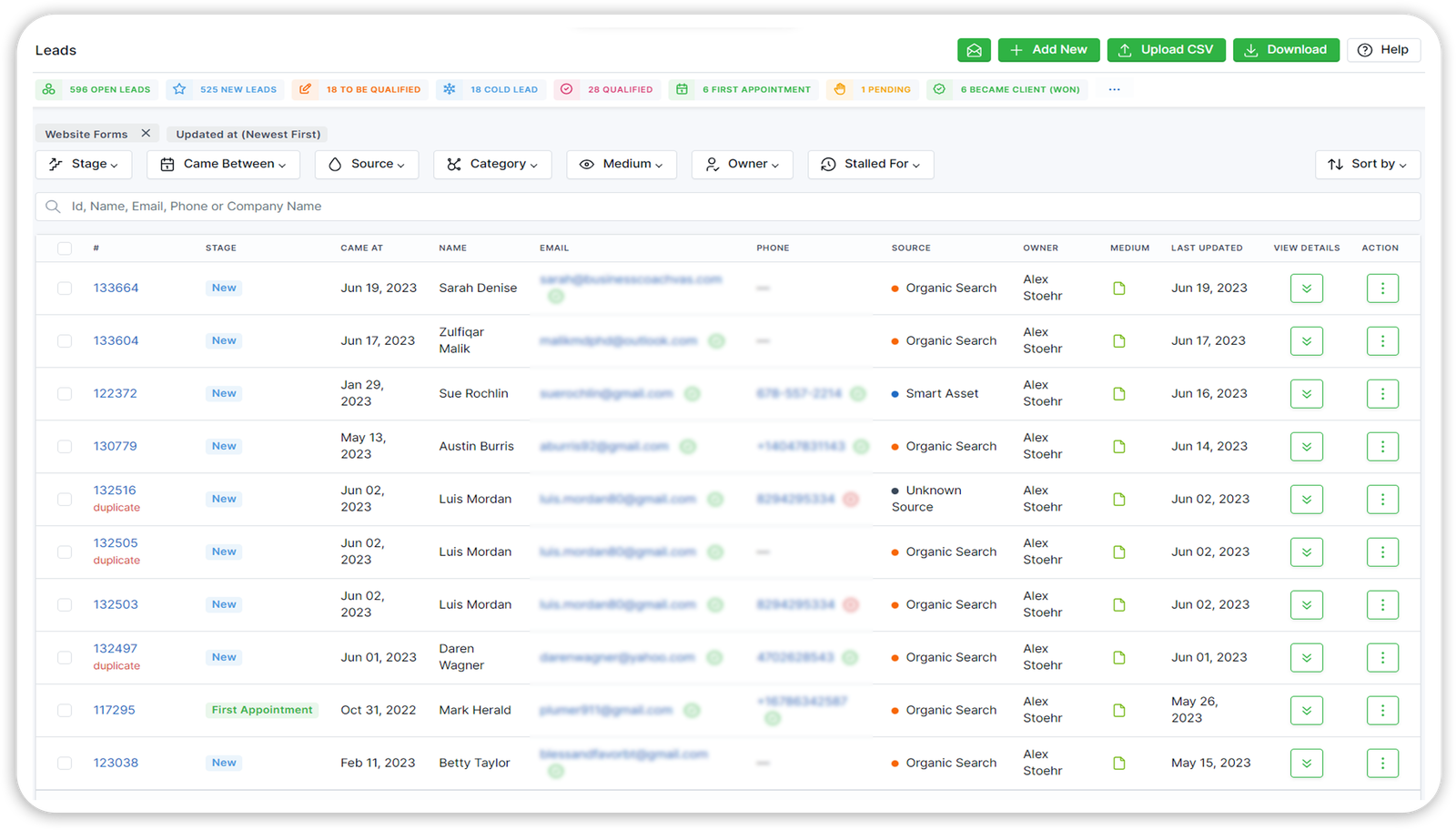
With LeadCenter.ai’s integration with WordPress forms, your sales team can access all the lead data they need in one central location, eliminating the need for manual data entry and reducing the risk of errors. With customizable lead views and intelligent lead scoring, your sales team can focus their efforts on the most promising leads, improving their efficiency and productivity.
Automate Lead Capture and Nurturing
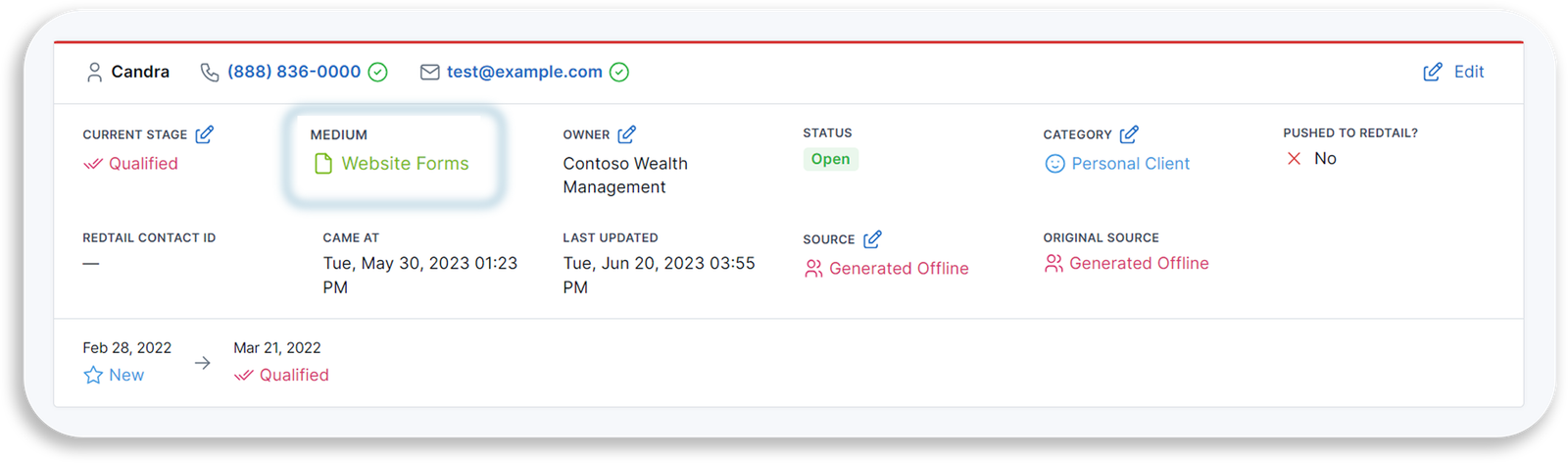
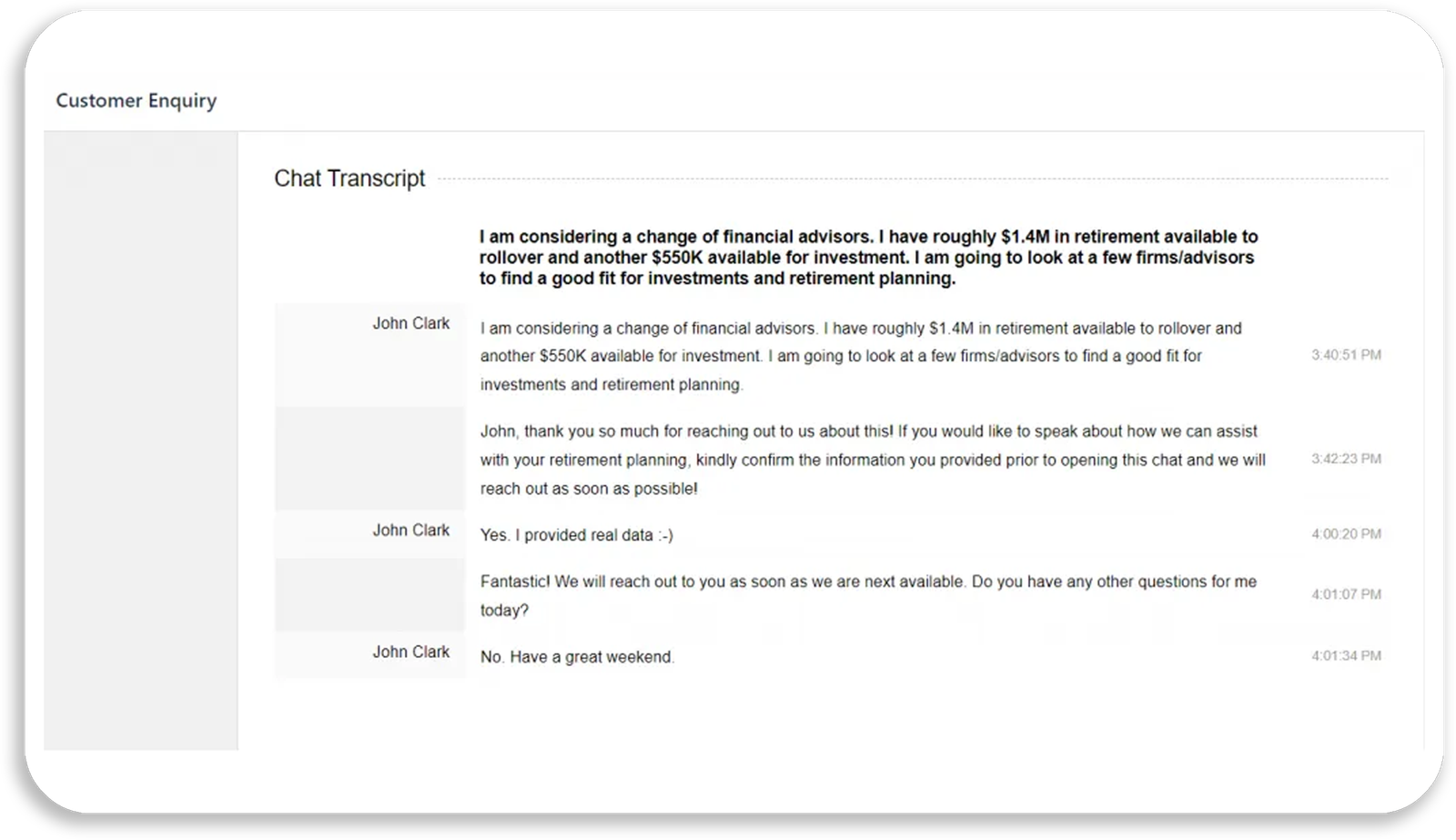
By integrating LeadCenter.ai with WordPress forms, you can capture leads directly from your website and automate lead nurturing activities. This ensures that your leads are engaged throughout their buying journey and increases the likelihood of conversions.
Frequently asked questions
What WordPress form providers does LeadCenter.ai integrate with?
LeadCenter.ai integrates seamlessly with popular WordPress form providers such as Gravity Forms, Contact Form 7, WPForms, and Ninja Forms. By integrating LeadCenter.ai with your WordPress forms, you can capture leads directly from your website and automate lead nurturing activities. This ensures that your leads are engaged throughout their buying journey and increases the likelihood of conversions.
How does LeadCenter.ai capture leads from my WordPress forms?
LeadCenter.ai uses CSS selectors to identify and extract lead data from your WordPress forms, automatically capturing form submissions and tracking them in the lead management system.
Can I customize the lead capturing and tracking process for my WordPress forms?
Yes, you can customize the CSS selectors used by LeadCenter.ai to capture and track specific form fields and data points, ensuring that you capture the data you need for effective lead management.
Can I view lead data from my WordPress forms in real-time?
Yes, LeadCenter.ai offers real-time lead tracking and reporting, giving you immediate visibility into new leads as they come in from your WordPress forms.
How does LeadCenter.ai ensure the security of my lead data?
LeadCenter.ai is built with advanced security features, including SSL encryption, and role-based access control, ensuring that your lead data is protected from unauthorized access or data breaches.
Can LeadCenter.ai help with lead follow-up and sales activities?
Yes, LeadCenter.ai offers integrations with a range of sales tools, including CRMs like Salesforce and Redtail CRM, allowing you to seamlessly connect your lead data and sales activities and close more deals.
Get started with LeadCenter.ai today
Ready to revolutionize the way you manage and nurture your leads? With LeadCenter.ai’s powerful integration with WordPress forms, you can capture leads directly from your website and track their interactions with your brand. Say goodbye to manual data entry and hello to automated lead management that saves you time and improves your conversion rates.
LeadCenter CRM, anywhere you go
Access your contacts, calendar, and tasks on the go with the LeadCenter mobile app for iOS and Android.


