
Lead Nurturing & Sales Engagement Platform For Financial Advisors
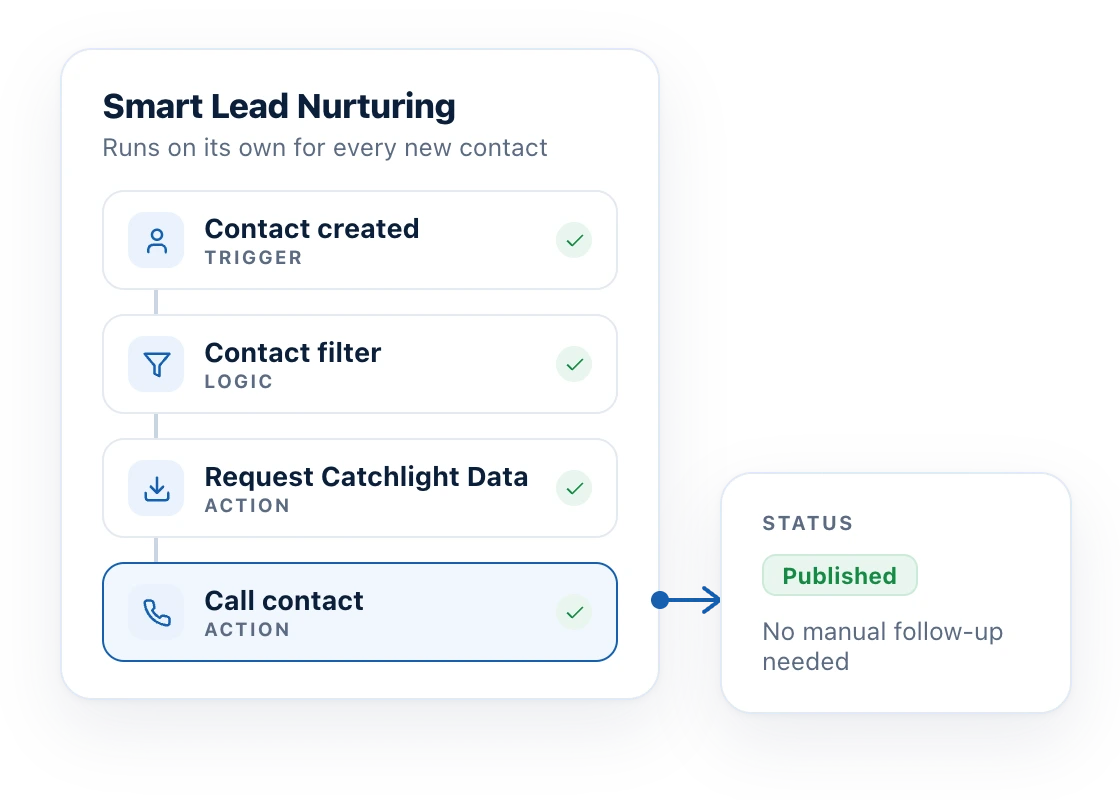
Whether the lead came from a seminar, a Facebook ad, a phone call, or a website form, LeadCenter sends the first email, queues the SMS, and calls your advisor to connect them live. All without touching anything.
 Automated Workflows
 Multi-Channel Nurturing
 Customizable Templates
Increased Sales Conversion Rates
When a new lead comes in, LeadCenter calls your advisor immediately. The advisor picks up, presses to accept, and is live with the lead within seconds. If the first advisor doesn't answer, it automatically tries the next one on the list. The first firm to connect wins the lead.
More Efficient Lead Management
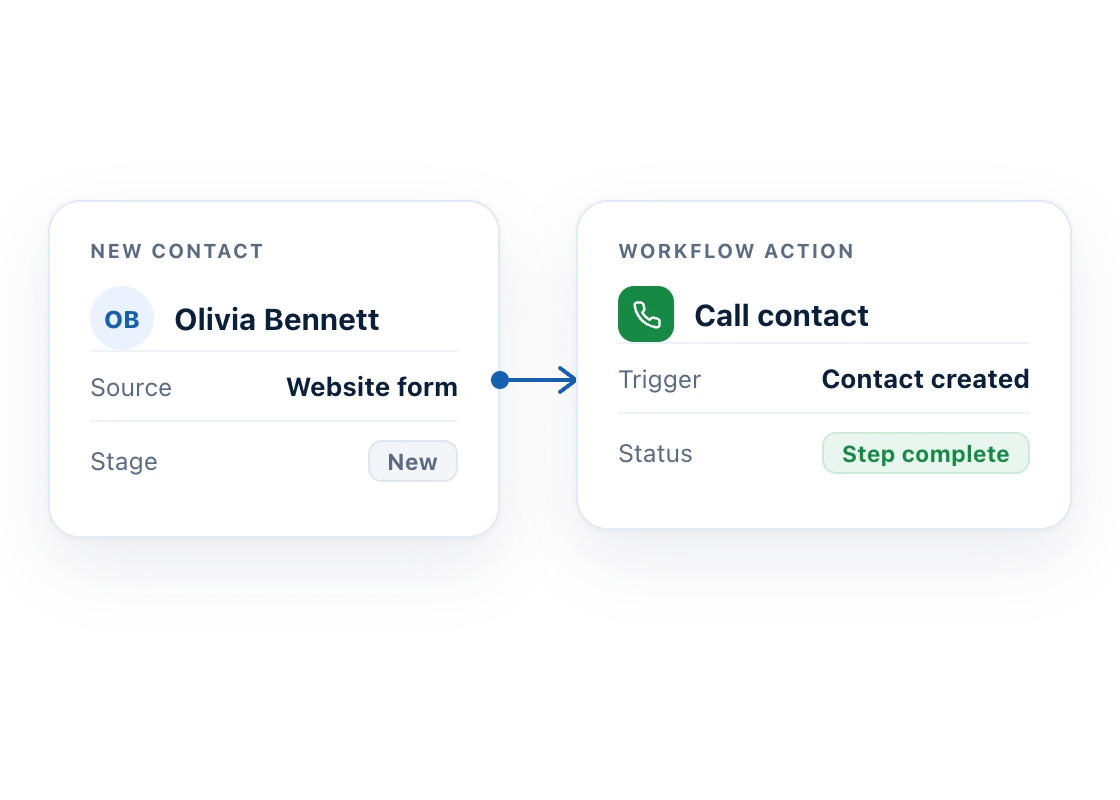
You can see where every lead is inside your follow-up sequence right now - which step they're on, when the next action fires, and whether it completed or is waiting. No chasing your team to ask if someone followed up. The Workflow Runs screen shows you the full picture.
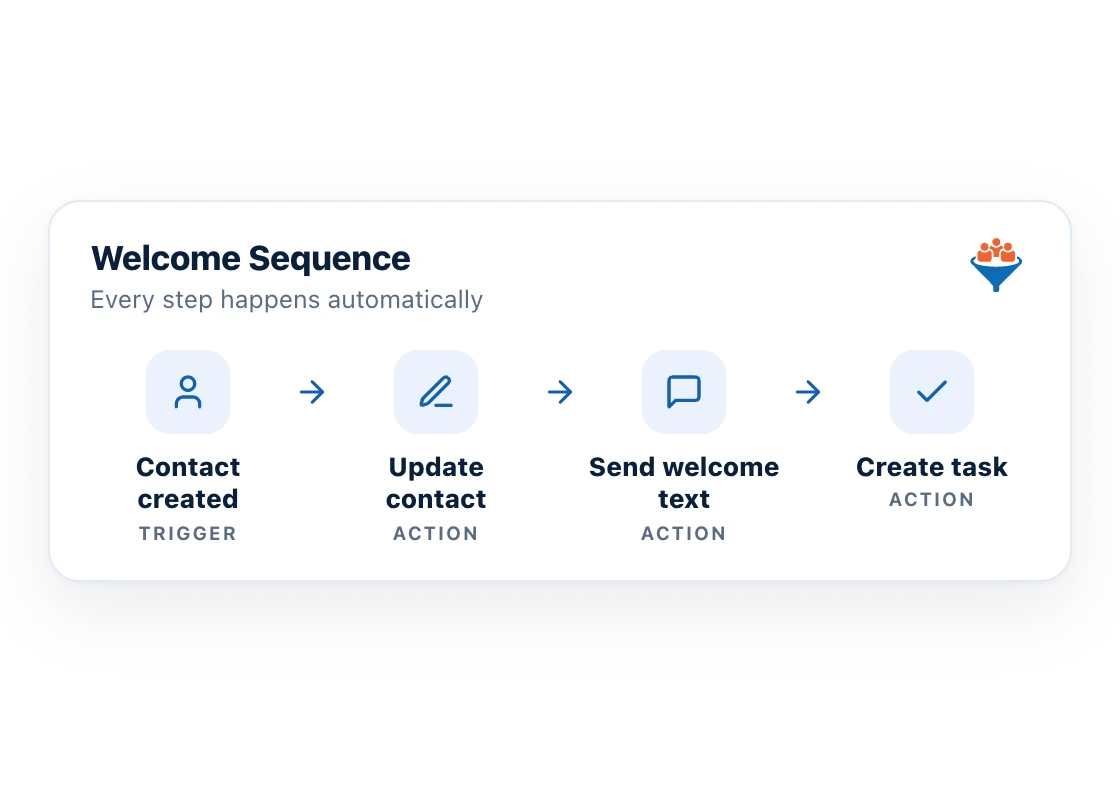
Leads Who Don't Book Still Hear From You, Automatically
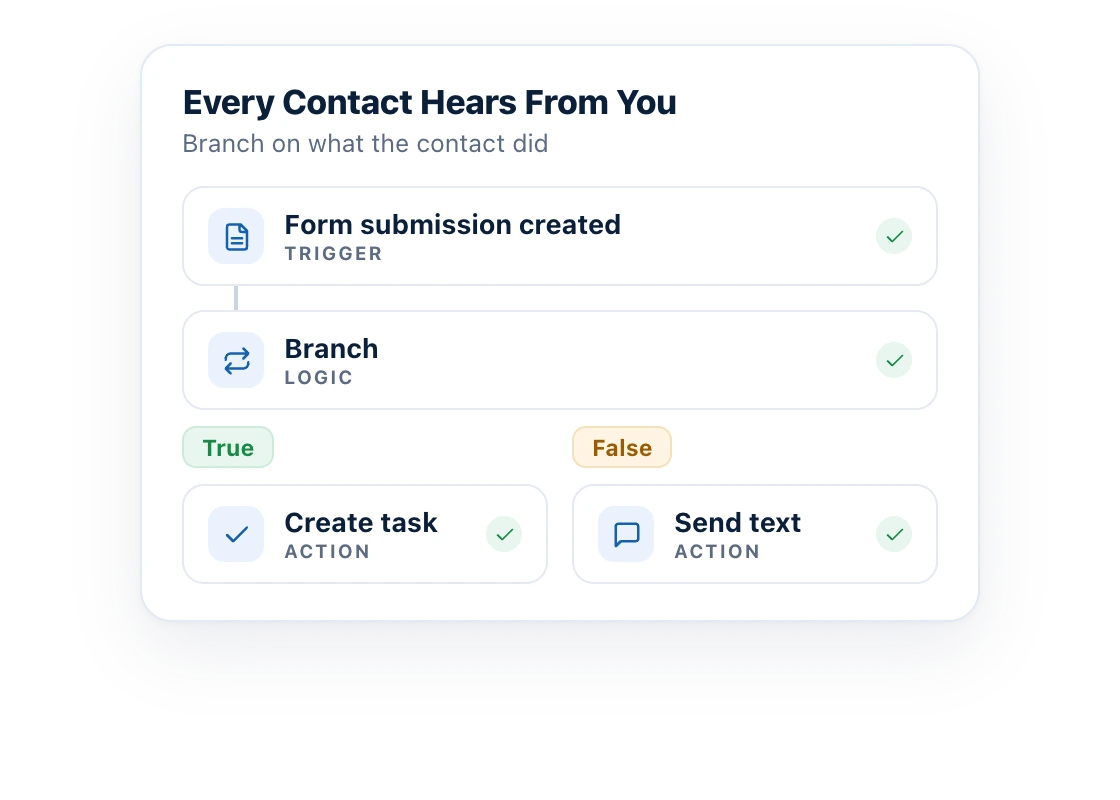
If a lead opens your email, they move to the next step. If they don't, LeadCenter automatically switches to SMS. The workflow keeps going until the lead responds or the sequence ends. No lead goes quiet because someone forgot to check in.
Frequently asked questions
What types of leads can LeadCenter.AI capture?
LeadCenter.AI offers multiple lead capture options to ensure a seamless and comprehensive lead management experience. These options include capturing leads from virtual numbers for calls, integrating with WordPress forms, uploading leads in bulk via CSV, forwarding leads from emails, and automatically capturing leads from calendar appointments.
How does LeadCenter.AI help with lead nurturing?
LeadCenter.AI offers a range of automation tools, including personalized messaging through emails and SMS, to help you effectively engage with your leads and move them through the sales funnel.
Can I integrate LeadCenter.AI with other marketing tools?
Yes, LeadCenter.AI offers integrations with a range of marketing and sales tools, including CRM systems, email marketing platforms, and social media networks.
Can I customize LeadCenter.AI to fit my business needs?
Yes, LeadCenter.AI offers a range of customization options, including lead fields, lead stages, and automation workflows, to help you tailor the platform to your specific business requirements.
Can I use LeadCenter.AI for multiple websites and campaigns?
Yes, LeadCenter.AI can be used across multiple websites and campaigns, and you can easily manage all your leads and activities from a single platform.
How does LeadCenter.AI help with customer relationship management?
LeadCenter.AI offers a range of tools to help you manage your customer relationships, including task management, and appointment scheduling.
Start Nurturing Your Leads Today
Don’t let your leads slip through the cracks. With LeadCenter.AI, you can capture and nurture leads from multiple sources, automate your sales processes, and close more deals. Get started today to start maximizing your lead generation efforts.
LeadCenter CRM, anywhere you go
Access your contacts, calendar, and tasks on the go with the LeadCenter mobile app for iOS and Android.


