
Orion Integration
Seamlessly connect your Orion accounts with LeadCenter to automate asset updates and manage AUM effortlessly. Gain a 360° financial view within your CRM.
 Automated Asset Updates
 Seamless AUM Integration
 Unified Financial & Client Data
Automated Asset Updates
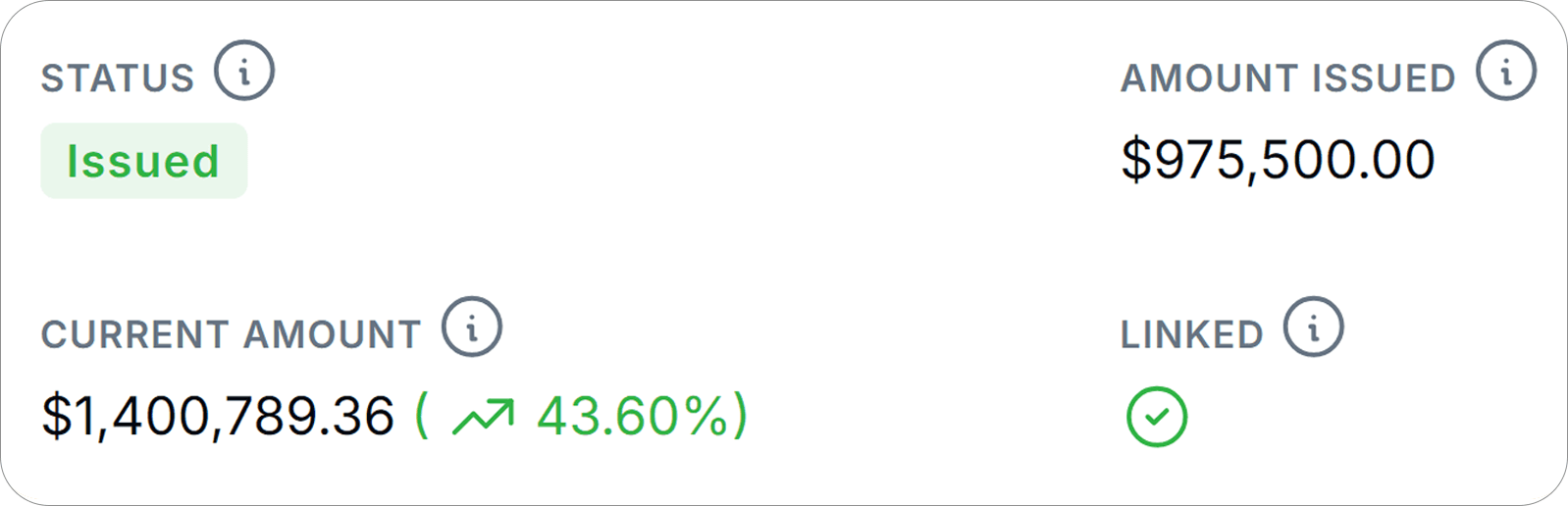
Automate daily asset updates for AUM accounts with Orion integration. This eliminates manual data entry, ensuring that all financial information remains current, accurate, and ready for real-time reporting. Focus on growing your clients' portfolios while we keep the numbers updated.
360° View of Financial Accounts & Client Data
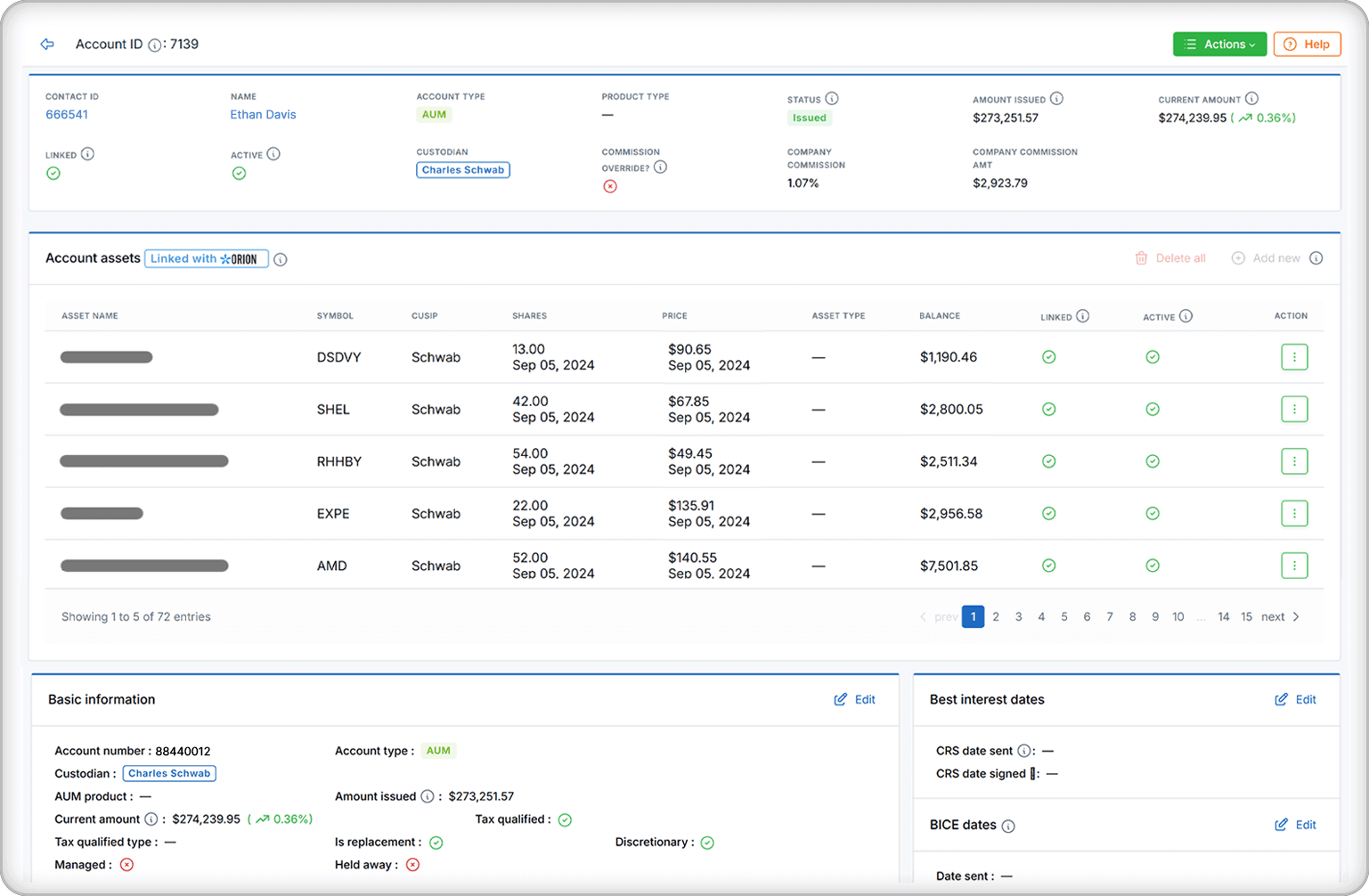
LeadCenter integrates Orion's AUM data directly into your CRM, providing a complete financial picture. View asset information, client interactions, notes, and history—all in one place.

Efficient Reporting & Recordkeeping
Leverage real-time asset data from Orion for streamlined production tracking and commission reporting. Stay aligned with financial regulations while simplifying your reporting workflow, get the data you need without manual data pulls or repetitive tasks."
Frequently asked questions
How does the Orion integration improve data accuracy?
Orion syncs asset information daily with LeadCenter, reducing manual input and minimizing human error. This ensures your financial data stays accurate and up-to-date for efficient decision-making.
Can I manage both AUM and other investment accounts with this integration?
Yes, the Orion integration primarily supports AUM accounts. However, you can still manage other financial products in LeadCenter separately, integrating all client financial data into one platform.
How does this integration save time?
Orion automatically updates asset values in LeadCenter on a daily basis. This removes the need for manual data entry and ensures that your AUM data is always accurate, allowing you to focus on advising clients.
How often does LeadCenter update the asset values from Orion?
LeadCenter fetches the current asset values from Orion daily. This ensures your financial data stays up-to-date, allowing for more accurate tracking of assets under management (AUM) and production reports.
How do I set up the Orion integration in LeadCenter?
Setting up the integration is simple. Navigate to the Integrations settings, click "Connect Orion," and follow the prompts to authenticate your Orion account. Once connected, asset data will sync automatically.
Maximize Your Efficiency with Orion Integration
Simplify asset management, reduce manual tasks, and streamline your workflow by integrating Orion with LeadCenter. Manage AUM accounts with data syncing and unified financial views, all within your CRM.
LeadCenter CRM, anywhere you go
Access your contacts, calendar, and tasks on the go with the LeadCenter mobile app for iOS and Android.


