
Outlook + LeadCenter
Connect your Outlook or Microsoft 365 mailbox in about two minutes. Emails with your contacts land on their records, and you can send and reply without leaving LeadCenter.
 Two-Minute Setup
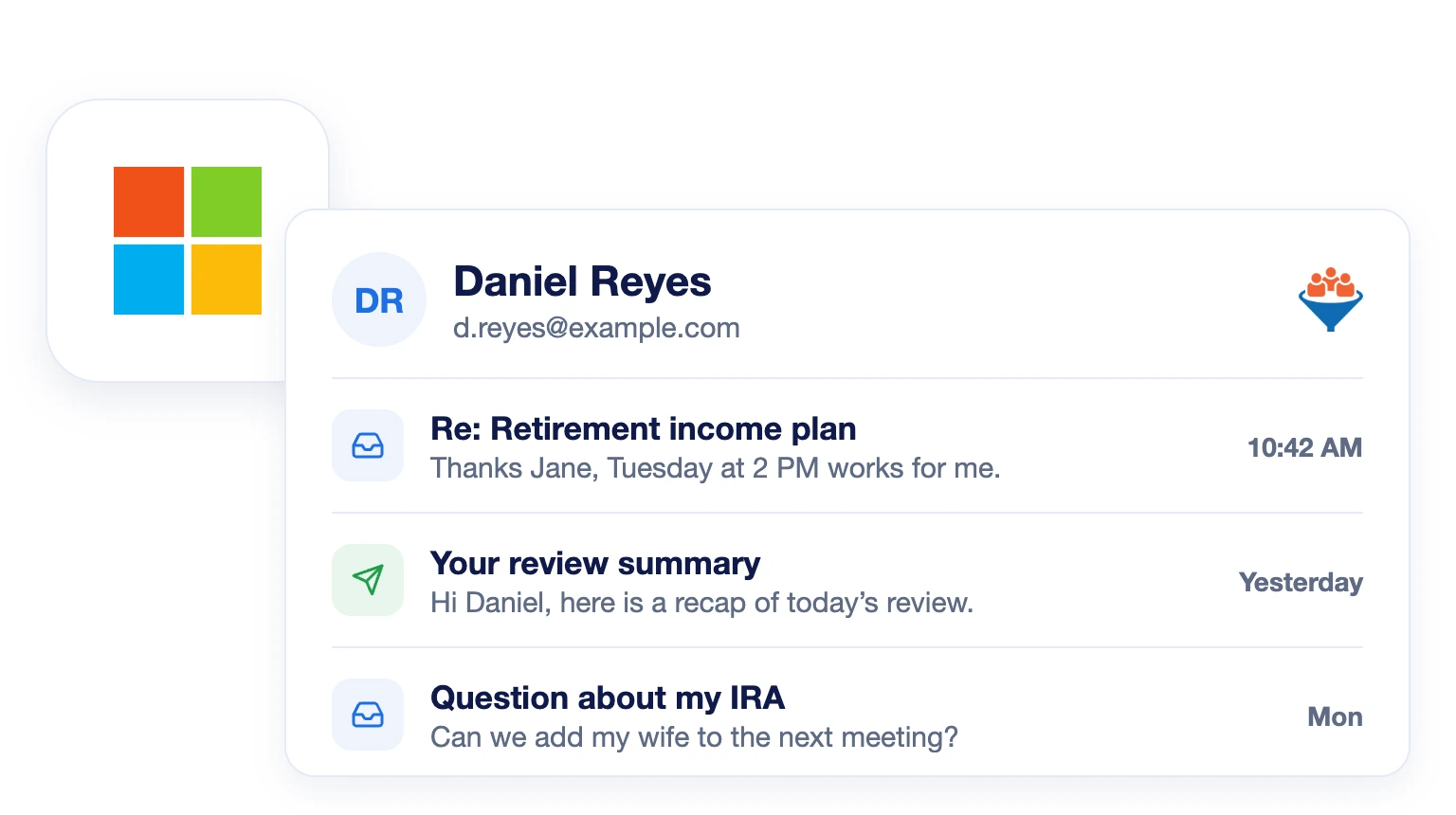
 Emails on the Contact Record
 Send From LeadCenter
Connect Outlook in About Two Minutes
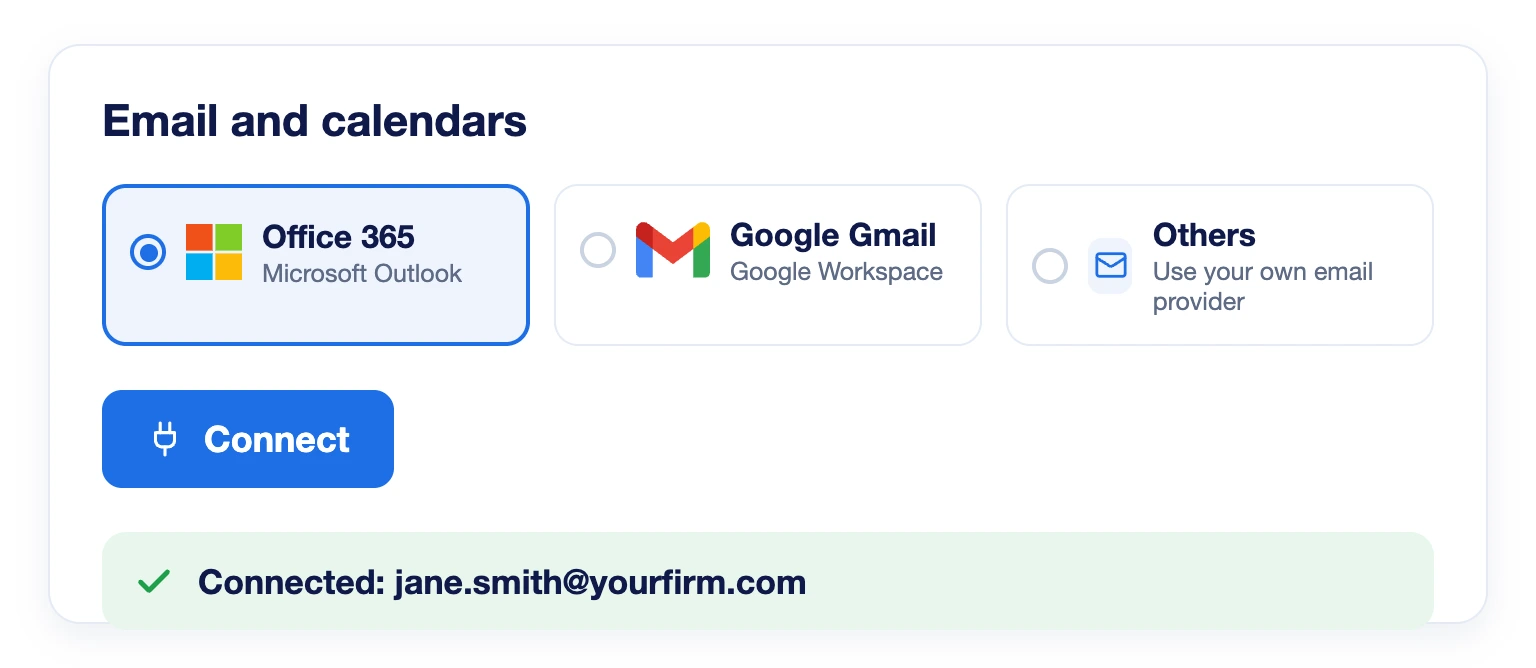
Open Personal profile, go to Email and calendars, choose Office 365 and click Connect. Sign in with Microsoft and approve. It works with Microsoft 365, outlook.com and live.com, and LeadCenter stores no server settings or passwords.
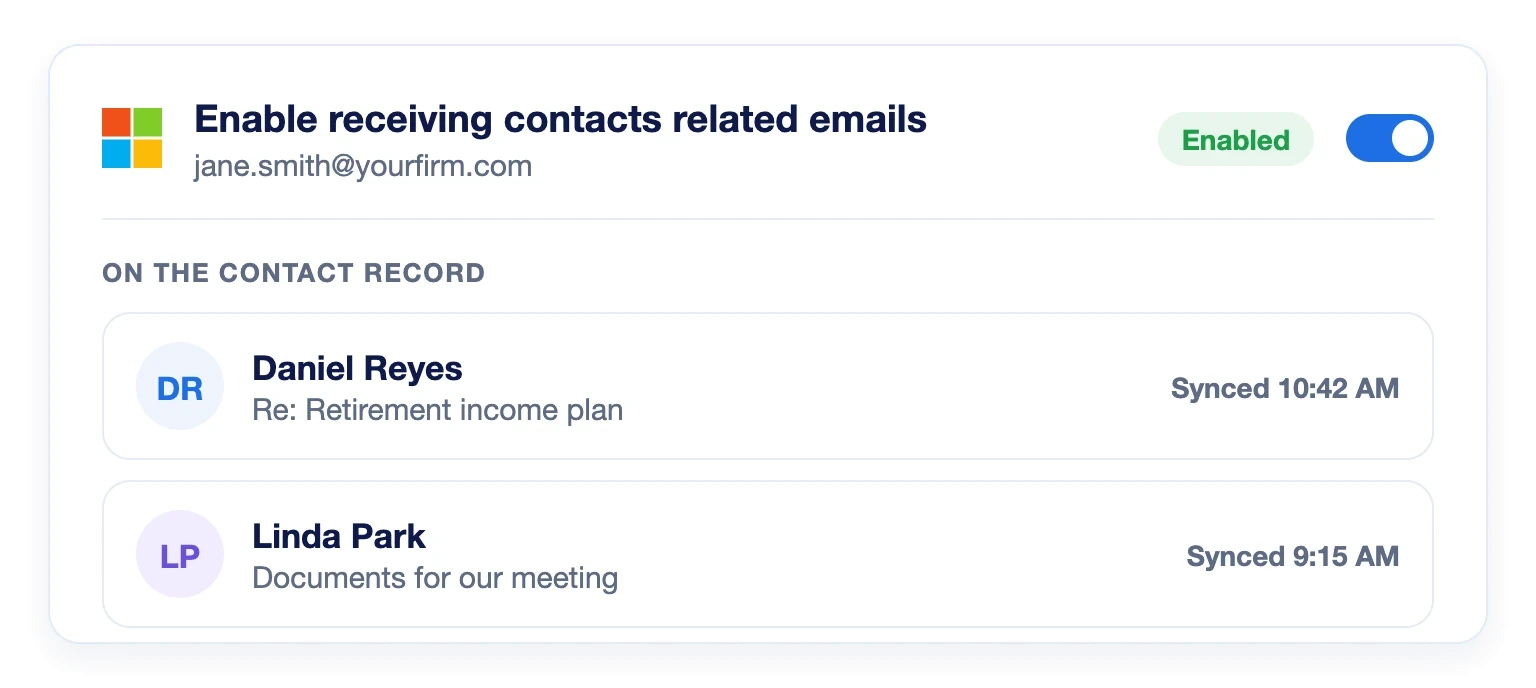
Every Client Email on the Contact Record
Turn on Enable receiving contacts related emails. From then on, emails you exchange with a contact appear on their record automatically, matched by email address. Your whole client history stays in one place.
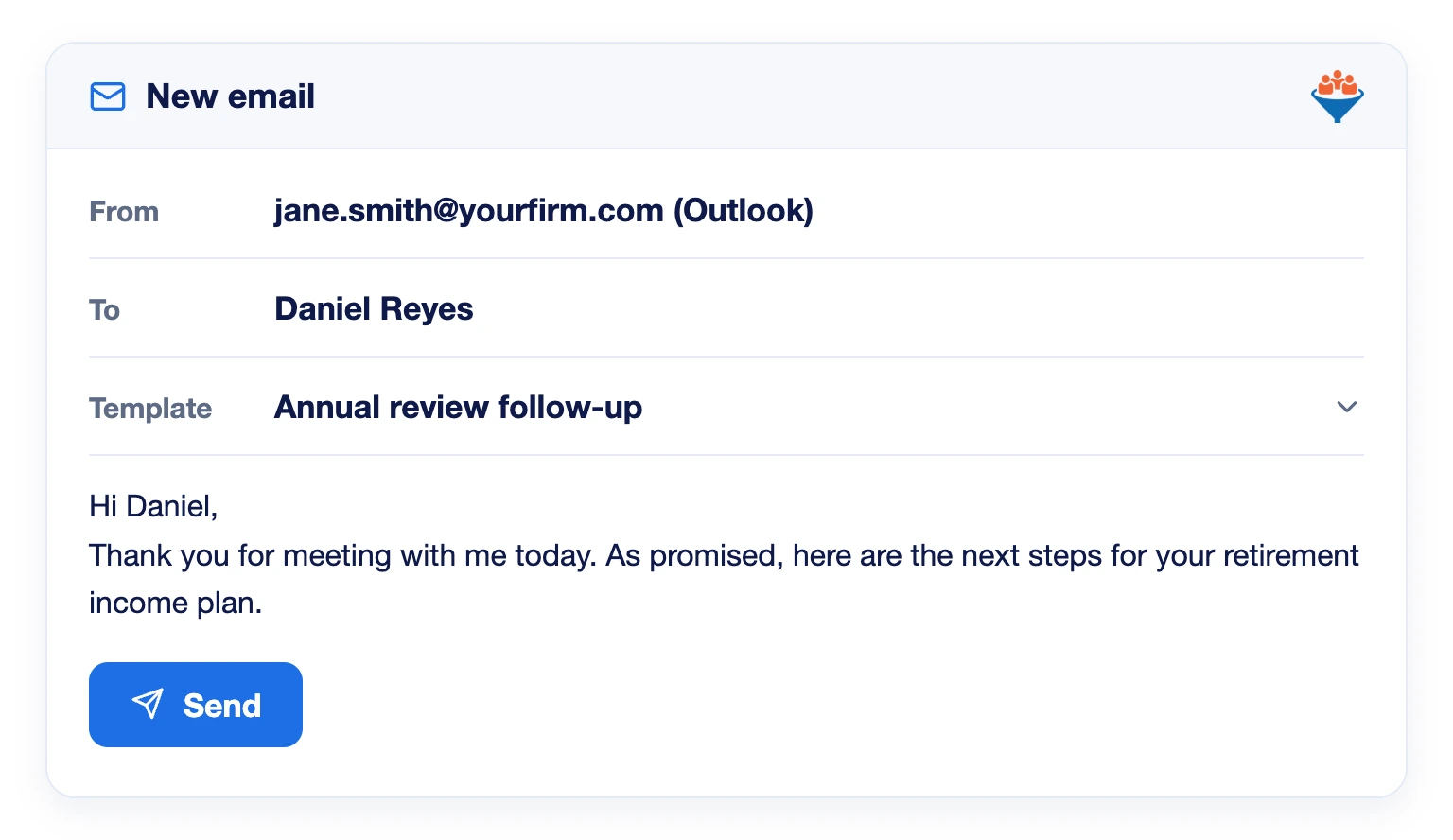
Send and Reply Without Switching Apps
Write to contacts and reply to them from inside LeadCenter, using your saved email templates. No copying between Outlook and your CRM.
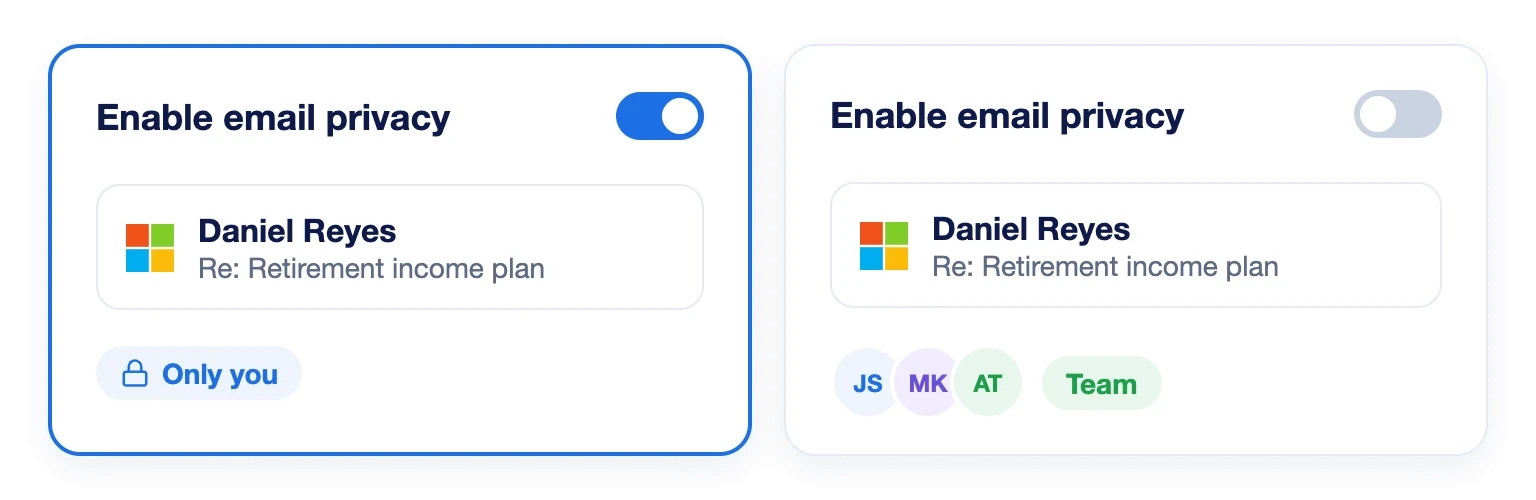
You Decide Who Sees Your Emails
Turn on Enable email privacy and only you can read your synced emails. Leave it off and your team shares visibility of client correspondence on the contact record.
Frequently asked questions
Does it import my old emails?
No. Sync covers emails with your contacts from the day you connect. Your mailbox history is not imported.
Which emails sync to LeadCenter?
Only emails exchanged with addresses that belong to a contact in LeadCenter, once Enable receiving contacts related emails is turned on.
Can I use my mailbox for email marketing or workflows?
No. Appointment confirmations, reminders, workflows and email marketing send from a shared email account in LeadCenter.
What if emails stop syncing?
Your sign-in has likely expired or been revoked by IT policy. Microsoft emails you a Disconnected notice. Reconnect from Email and calendars.
What happens if I disconnect?
Emails already logged stay on the contact records. You can reconnect any time from Email and calendars.
Bring Your Outlook Inbox Into LeadCenter
Keep every client conversation on the contact record, and reply without switching apps.
LeadCenter CRM, anywhere you go
Access your contacts, calendar, and tasks on the go with the LeadCenter mobile app for iOS and Android.


