
Production Reports for Financial Advisors
See issued, pending and forecasted production by source, advisor and product, with filters for every view and a PDF you can share.
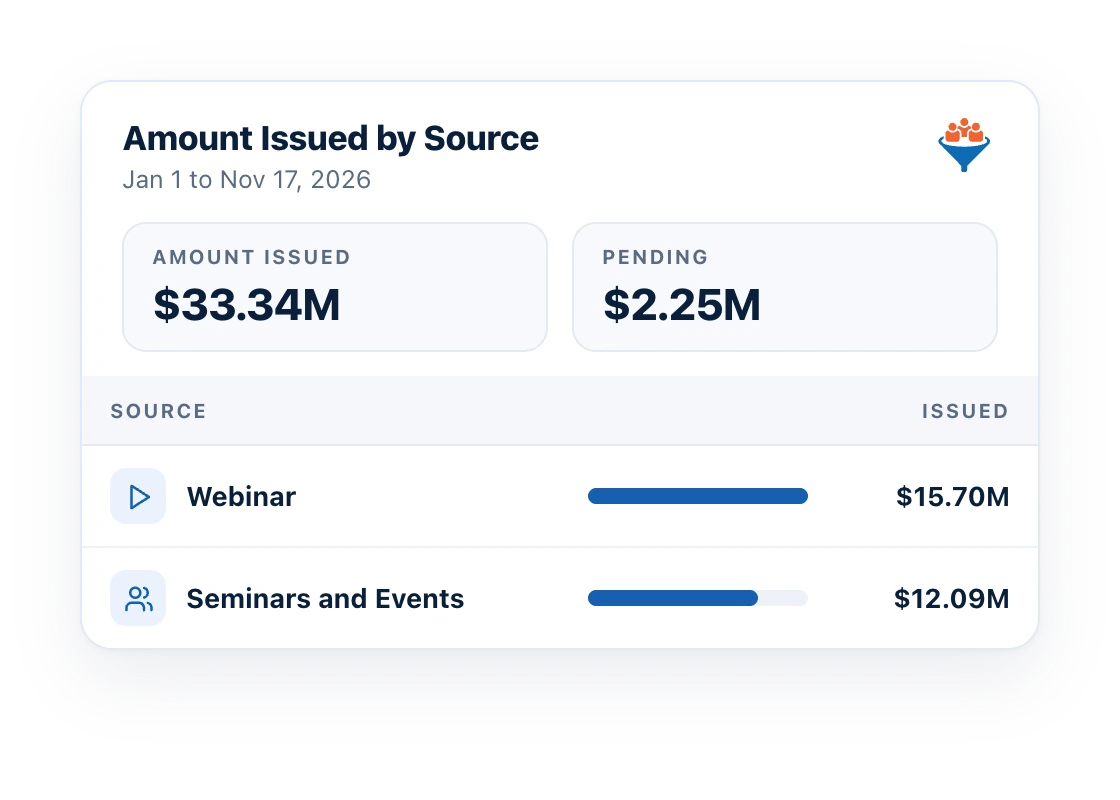
 Production by Source
 Single Advisor View
 Filters and PDF Export
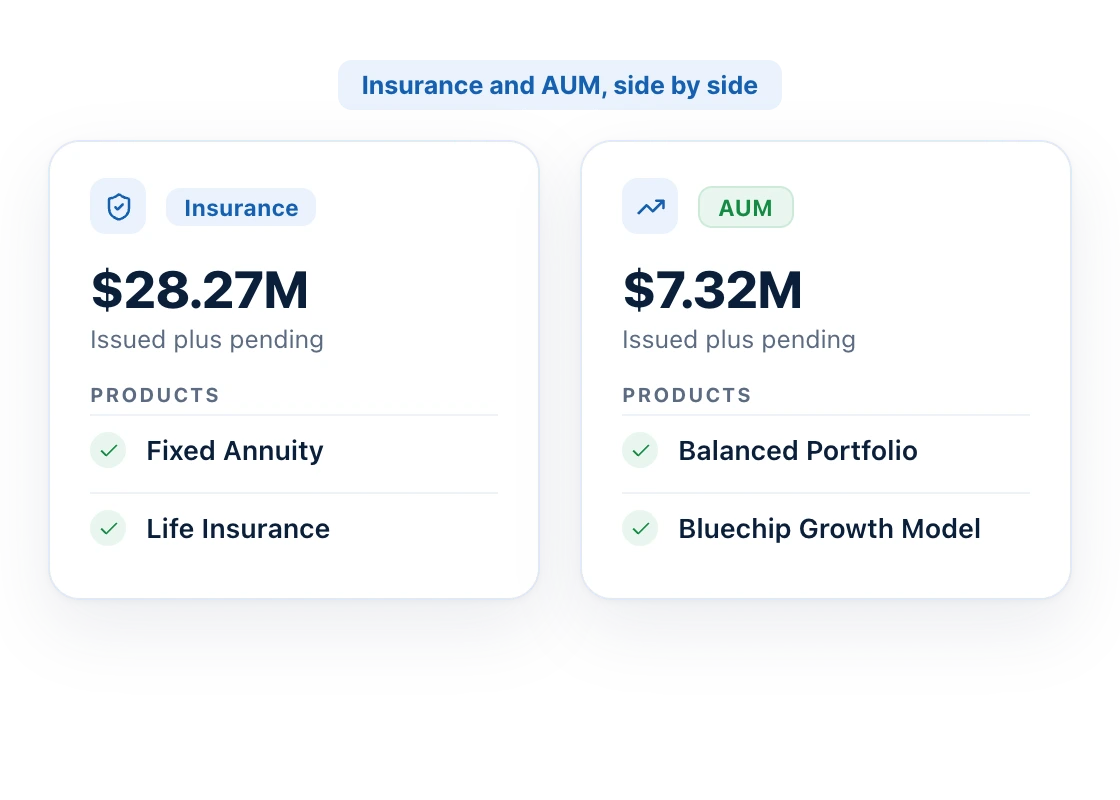
See Insurance and AUM Side by Side
See the amount issued for each product, with insurance products such as fixed index annuities and life insurance next to AUM products such as growth portfolios and brokerage accounts.
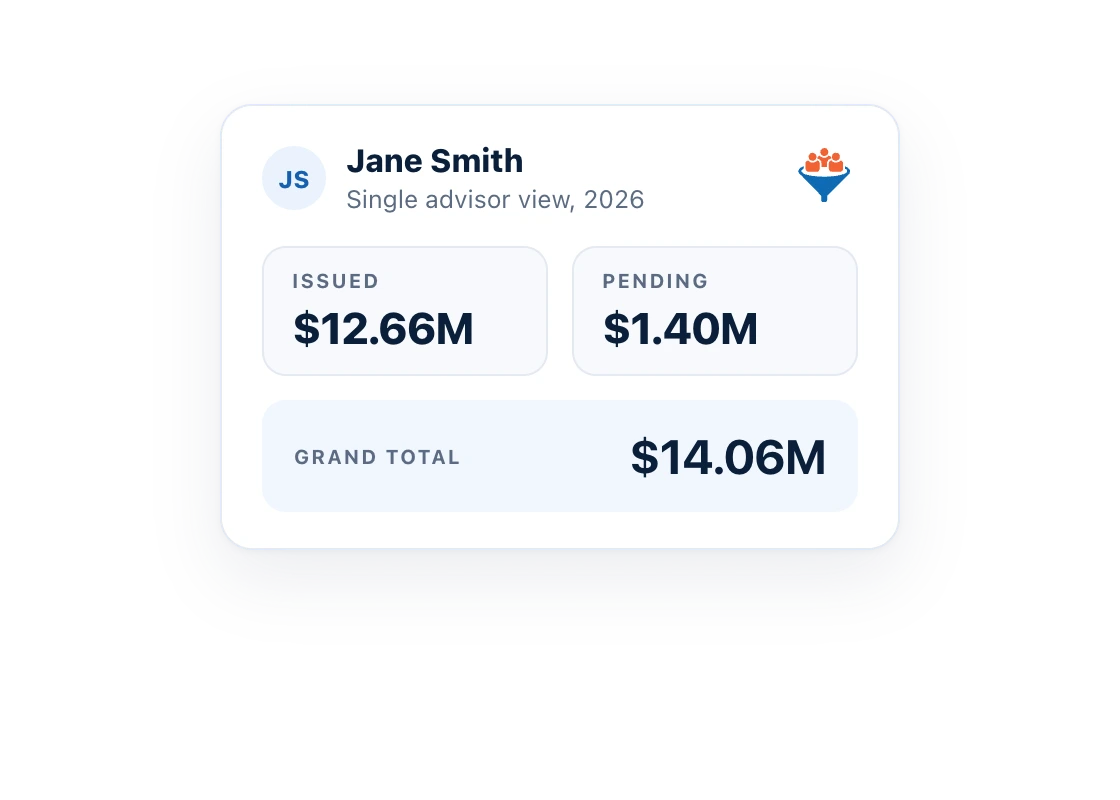
Review One Advisor at a Time
The Single Advisor report shows one advisor’s total production, commission amounts and count of first appointments. Advisors see only the accounts and appointments they own.
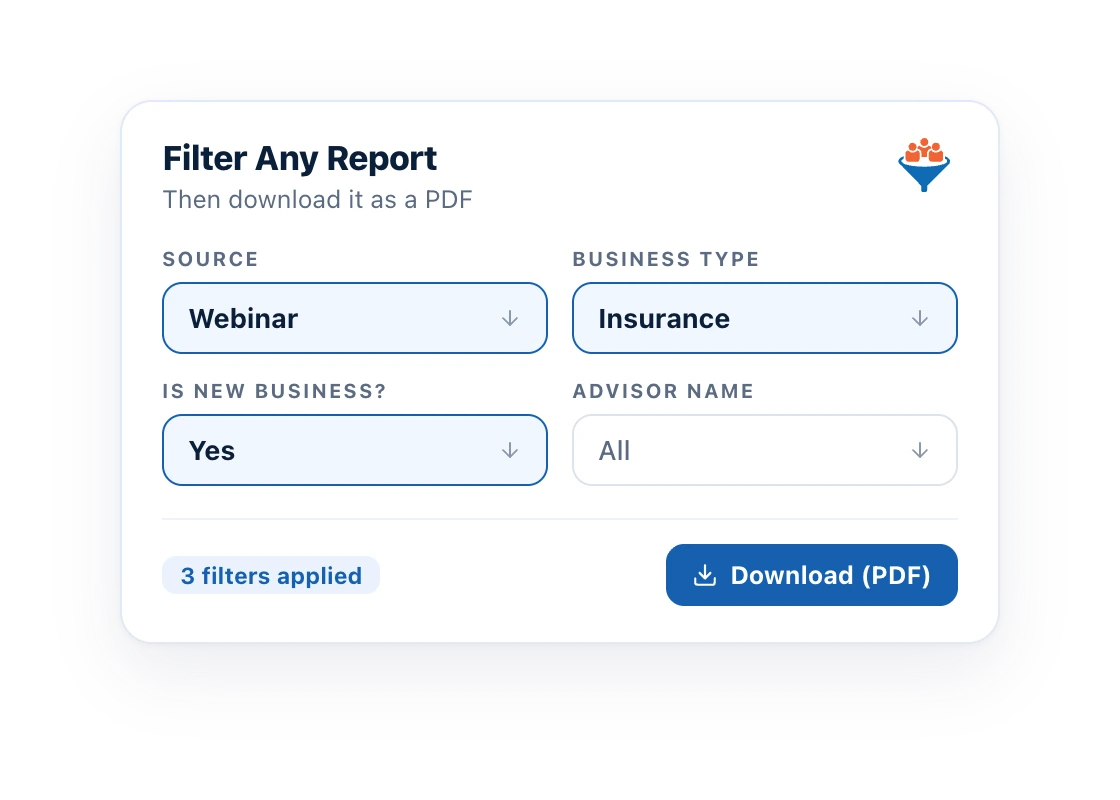
Filter Any View, Then Share It
Filter by source, stage, insurance company, AUM product, advisor, business type and more. Use Is New Business? to separate new clients from existing ones, then download the view as a PDF.
Frequently asked questions
Which production reports are included?
Issued Production; Pending, Forecasted, & Issued Production; and the Single Advisor report, along with commission and fee reports.
Can advisors see only their own production?
Yes. In the Single Advisor report, each advisor sees data only for the accounts and appointments they own.
Can I compare this year with last year?
Yes. The summary cards show the change from the previous year when data is available.
Can I track the performance of specific insurance products?
Yes. Filter by insurance company, insurance product and insurance product type to see the production for each.
How often are the production reports updated?
Reports refresh every 15 minutes, so very recent changes can take a few minutes to appear.
Ready to See Your Firm’s Production Clearly?
Run production reports by source, advisor and product, all inside LeadCenter.
LeadCenter CRM, anywhere you go
Access your contacts, calendar, and tasks on the go with the LeadCenter mobile app for iOS and Android.


